
Career Site Setup: Branding, Custom Domain, and Logo
Career Site Setup: Branding, Custom Domain, and Logo
Your career site is the hosted page where candidates can see your company's open jobs on 100Hires. Settings > Career site is where you brand it - logo, custom domain, and the look-and-feel options described below.
Where the career site settings live
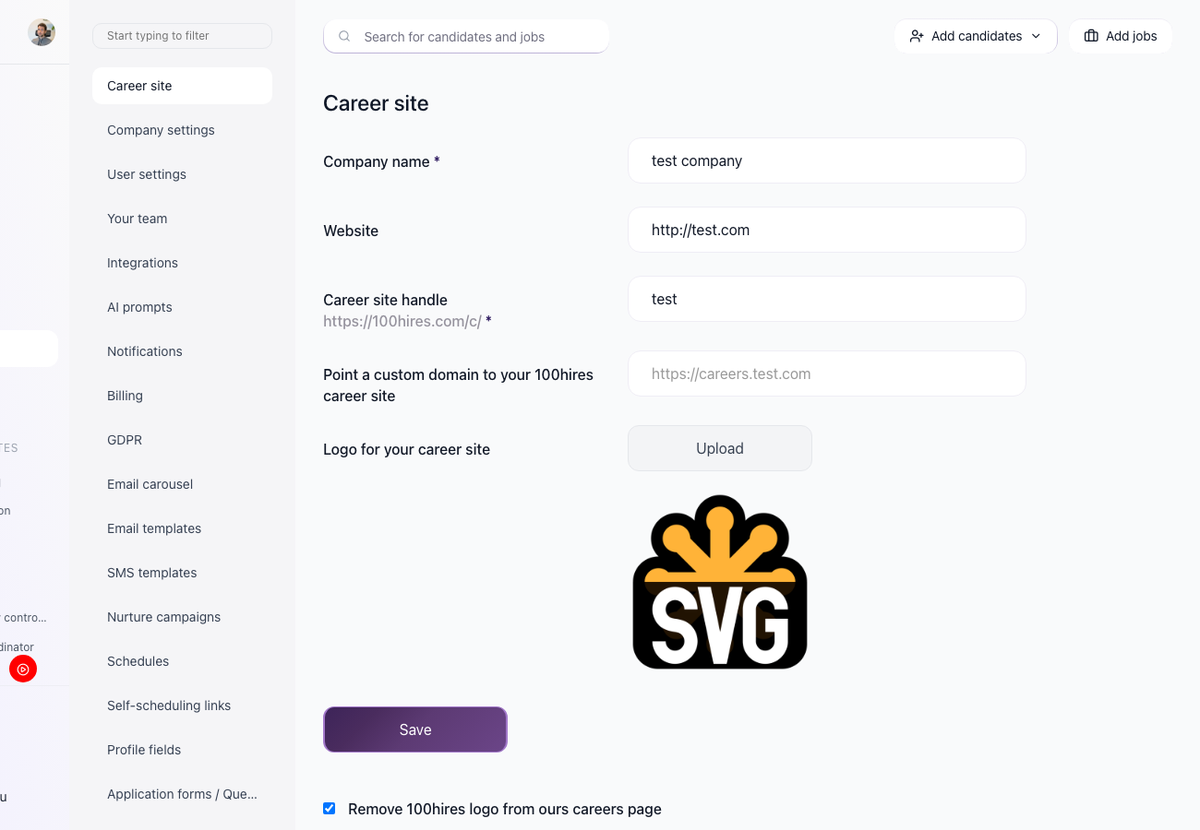
Settings > Career site. The basic fields at the top of the page are:
- Company name
- Website
- Career site handle - the unique value used in your career site URL.
- Custom domain - an optional field for pointing your own domain at the career site.
- Logo - upload control for your career site logo.
- Remove 100Hires logo checkbox - hides the 100Hires logo from your career site (Pro plan).
For example, if your handle is your-company, your career site URL will be:
https://100hires.com/c/your-companySet up the basics
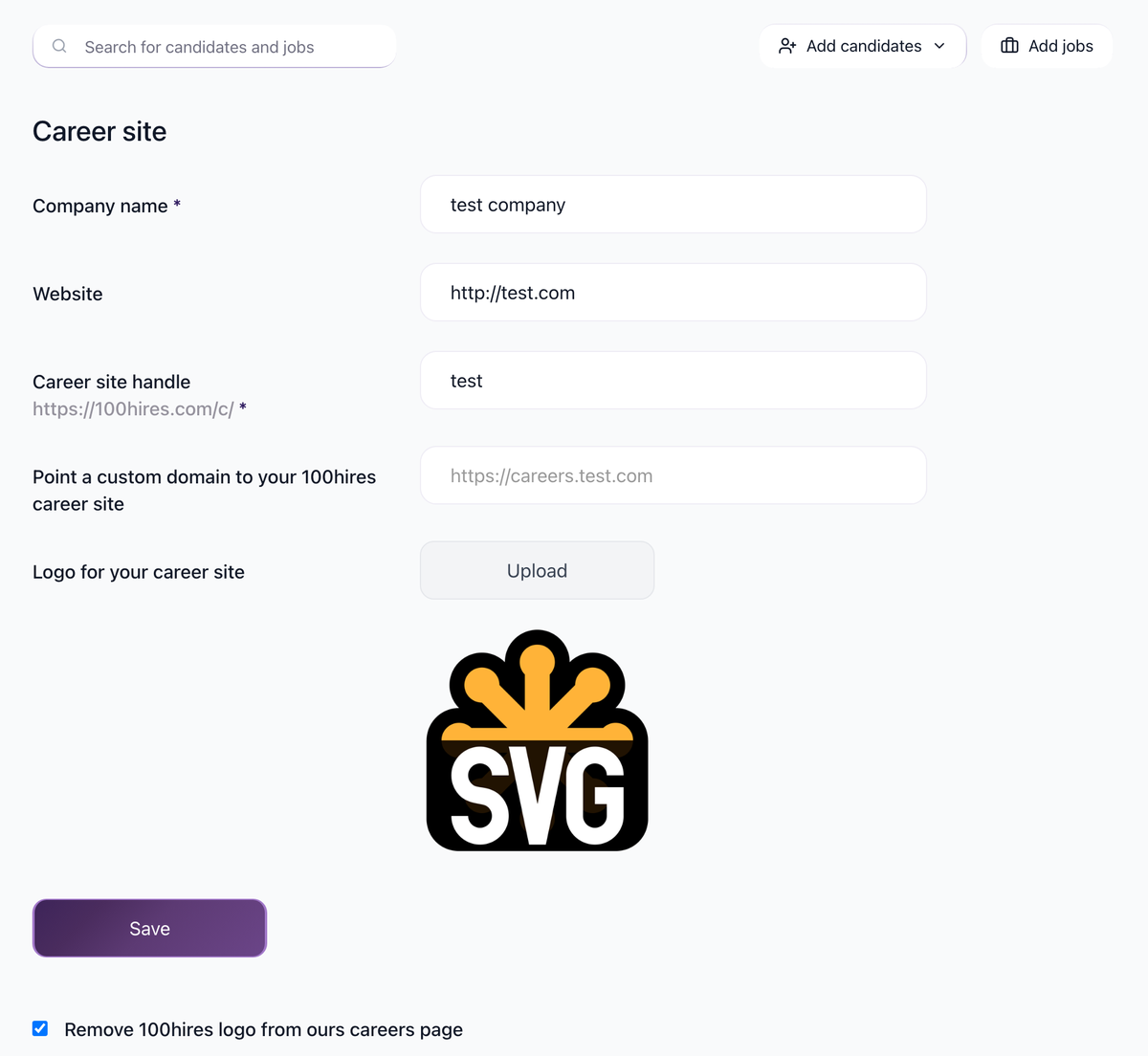
- Open Settings > Career site.
- Fill in Company name.
- Add the Website of your company.
- Set the Career site handle, such as
your-company. The preview shows the complete URL of your career site. - Upload a logo via the Logo field. Save.
Use a custom domain

The page has an optional custom domain field. Use this field if you want to host your career site at a domain you own instead of the default 100Hires-hosted address.
Remove the 100Hires logo
Removing the 100Hires logo from your career site requires the Pro plan. With Pro, check the Remove 100Hires logo option and save.
Updated on: 25/07/2026
Thank you!