
How to Set Up Evaluation Forms for Structured Interviews
How to Set Up Evaluation Forms for Structured Interviews
An evaluation form is a structured set of questions interviewers fill out about a candidate after meeting them. Using the same form for every candidate on a job keeps interview feedback consistent across the team.
Where evaluation forms live
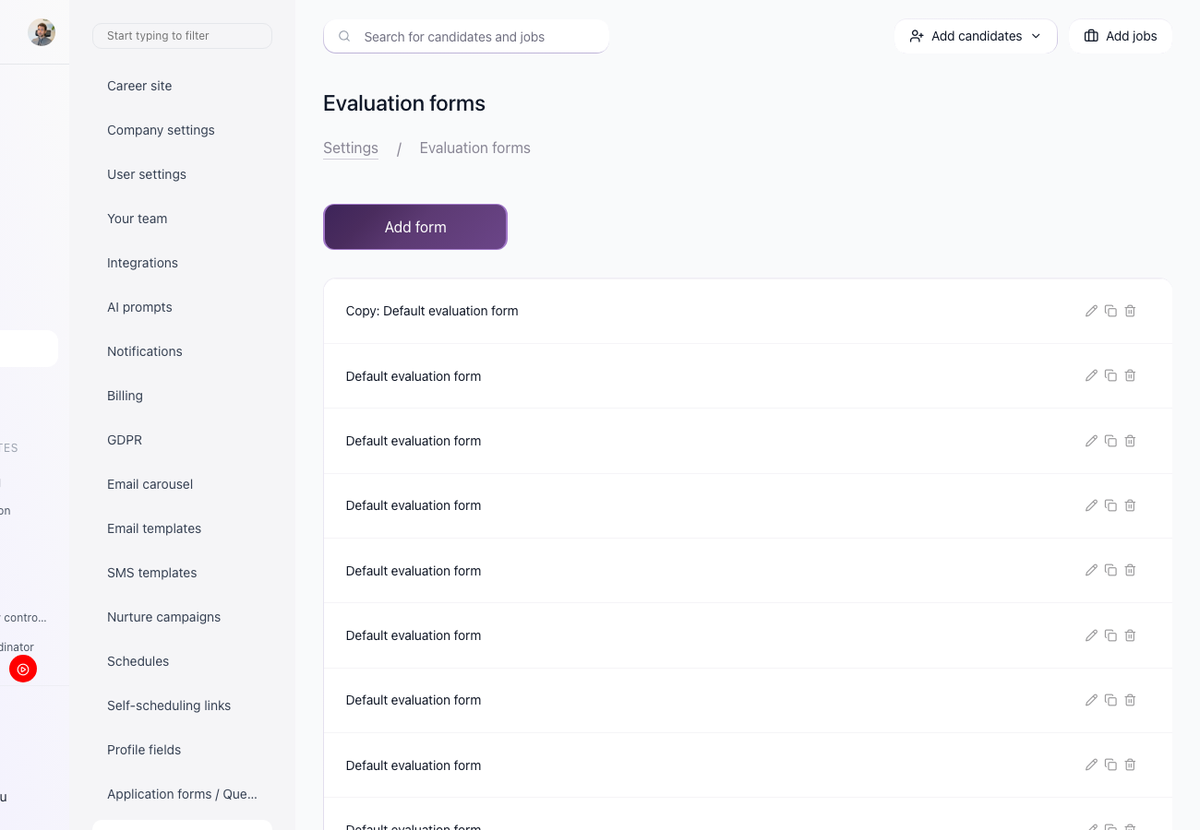
Settings > Evaluation forms is where you create and manage your evaluation forms. The page lists every form you have created and lets you add a new one from the top of the page.
Add a new evaluation form

- Open Settings > Evaluation forms.
- Start a new form from the top of the page.
- Add the custom questions you want interviewers to answer.
- Save.
Assign an evaluation form to a job

On a job, the Evaluations tab shows the evaluation forms assigned to that job. Use Assign Evaluation Forms to add more forms.
Reminder emails for interviewers
Interviewers receive email notifications until they complete their evaluations.
Blind evaluations
If you want reviewers to form their own opinion before seeing what the rest of the team thinks, enable blind evaluations in Settings. With blind evaluations on, each user can only see other people's submitted evaluations after they have submitted their own. Admins are excluded from this restriction.
Updated on: 18/06/2026
Thank you!