
How Agency Recruiter (50 client jobs) Teams Use 100Hires
How Agency Recruiter (50 client jobs) Teams Use 100Hires
Use this setup when you run many client roles at the same time and need to keep candidates, client context, and follow-up work organized.
1. Decide how to separate clients
If clients need separate billing, branding, career sites, or user access, create a separate company account for each client. The same user can belong to multiple companies and switch between them from the company menu. Each company has its own jobs, settings, and billing.


If clients do not need separate workspaces, keep them in one company and separate work by job, tags, sources, and saved filters.
2. Create one job per client role
Do not mix multiple client roles in a single job unless the role, workflow, and submission criteria are truly identical. One job per role gives you a separate pipeline, application form, hiring team, workflow automations, and AI Scoring criteria.
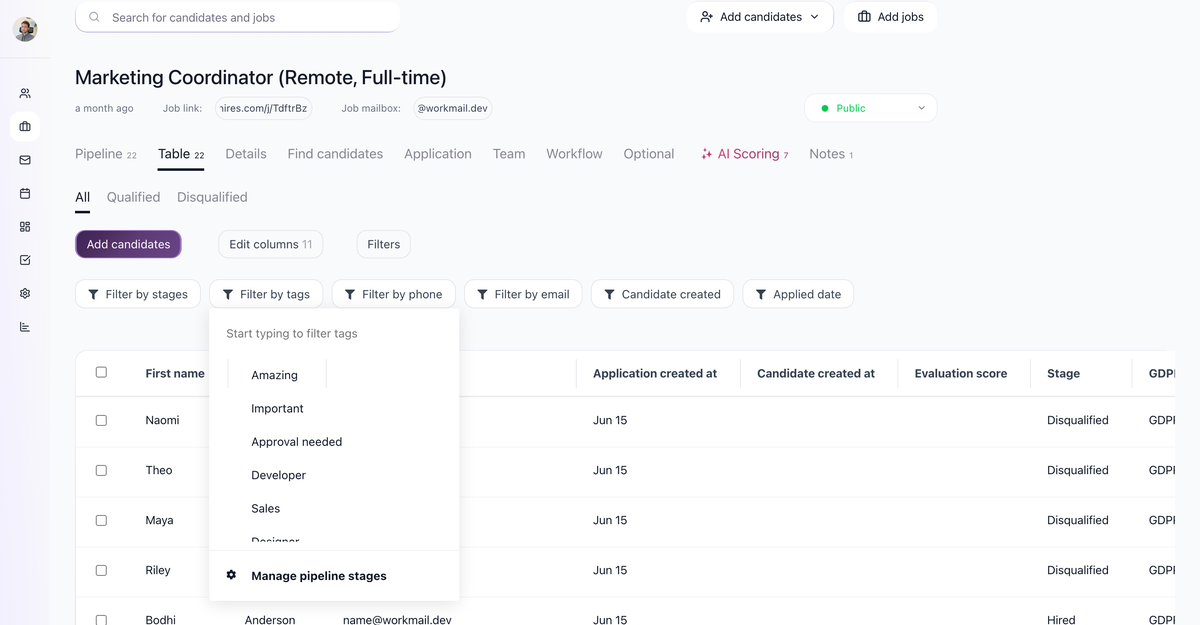
For volume desks, add tags such as client name, priority, market, or skill cluster. Tags and filters make it easier to build shortlists and report on candidates without re-reading every profile.
3. Use AI Scoring per role
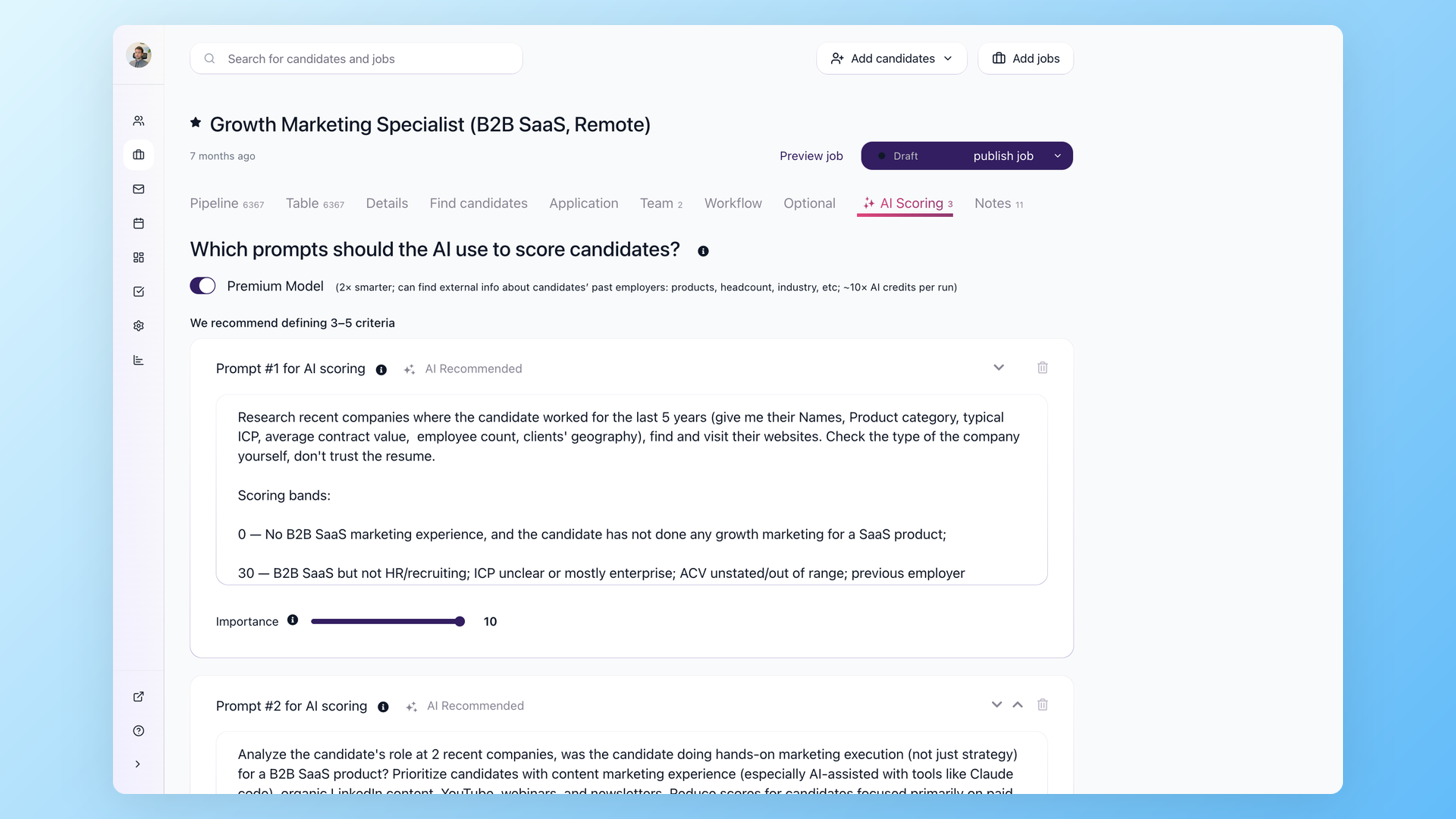
Set AI Scoring criteria on each job's AI Scoring tab. The criteria should match the client's actual hiring brief: must-have experience, location, salary range, certifications, seniority, or industry background. AI Scoring returns a 0-100 score per criterion plus an overall score, so recruiters can review the strongest candidates first.
4. Process candidates in batches
Use bulk actions after filtering by job, tag, source, stage, or AI score. Typical agency workflows include adding tags, moving candidates between stages, sending outreach, exporting candidate lists, or running AI Scoring on selected candidates.

5. Keep outreach consistent
Use email templates and nurture campaigns for repeatable outreach. Email Carousel can distribute sending across connected mailboxes, which is useful when multiple recruiters work the same desk. Review templates for each client so the message matches the role and does not expose another client's context.
Practical operating model
- Separate sensitive client work into separate companies.
- Keep every active client role as its own job.
- Use tags and sources for reporting and shortlist building.
- Use AI Scoring for role-specific first-pass ranking.
- Use bulk actions for repeatable candidate operations.
- Use templates and nurture campaigns for consistent follow-up.
Updated on: 07/08/2026
Thank you!