
How Education / School District Teams Use 100Hires
How Education / School District Teams Use 100Hires
Who this is for
Schools and districts hiring teachers, aides, administrators, coaches, substitute staff, and operations roles.
What makes this hiring workflow different
- Certification and background-check steps vary by role
- Hiring committees need consistent feedback
- Seasonal hiring cycles create compressed review windows
Note: 100Hires helps manage the hiring workflow. Certification and background-check requirements should be verified through district policy and local rules.
Recommended 100Hires setup
Application forms
Collect certification, subject area, grade band, availability, and required documents.
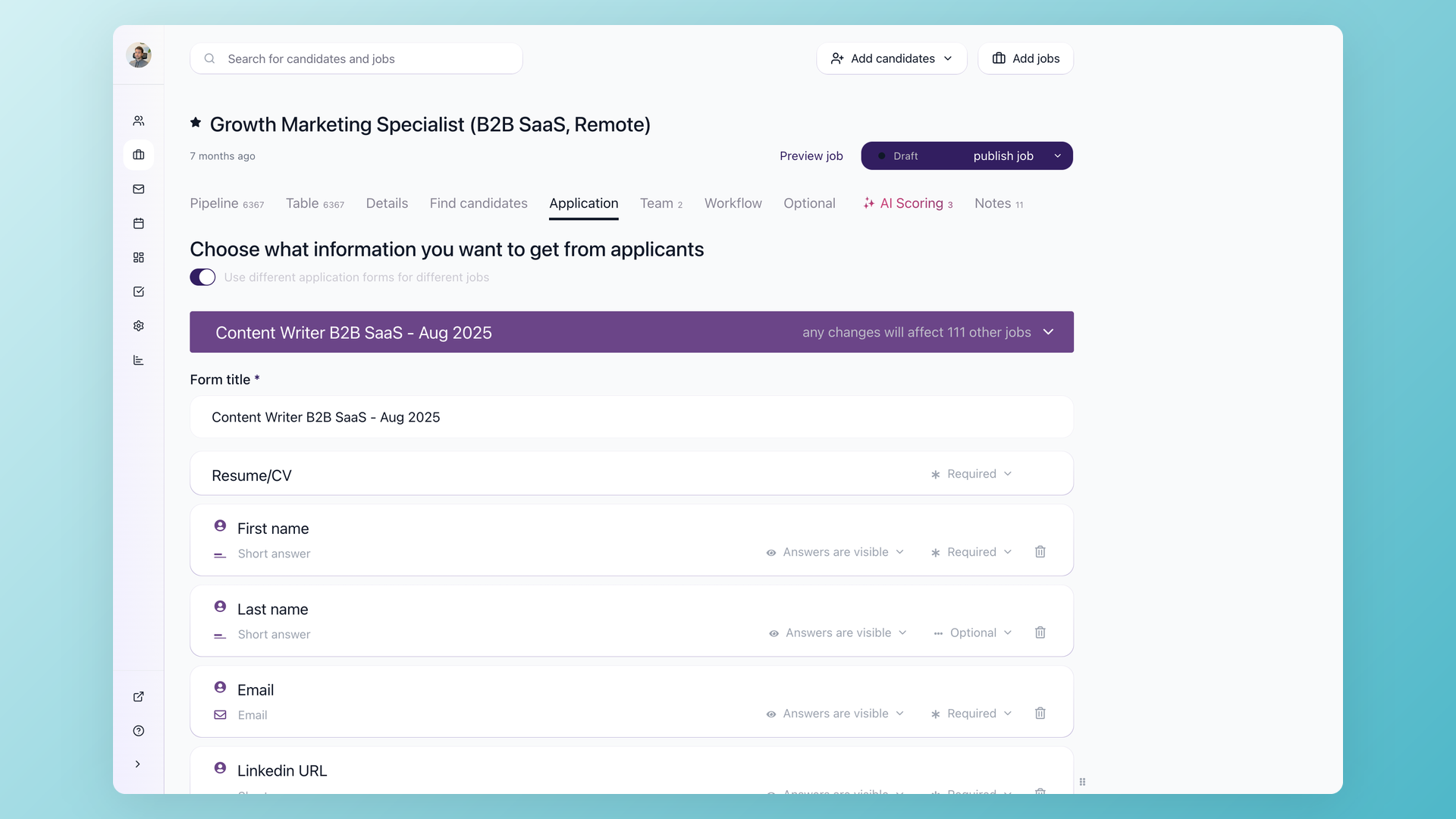
Knockout or form-response automations
Route or disqualify candidates based on explicit eligibility answers.

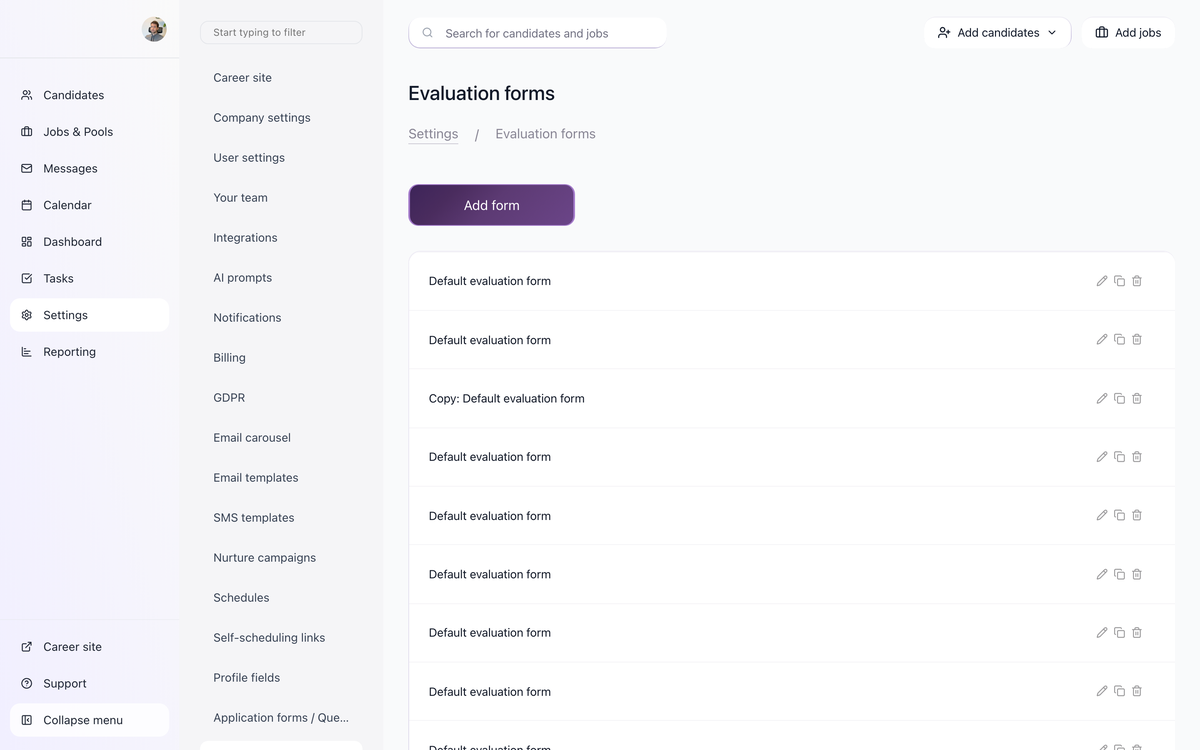
Evaluation Forms
Give principals and committee members the same rubric.
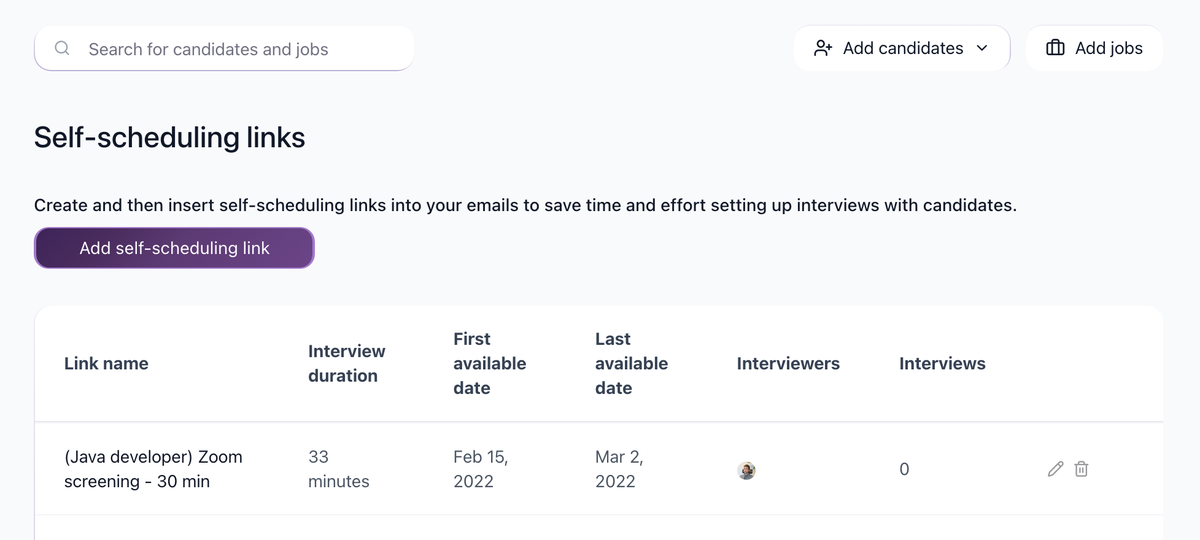
Calendar and self-scheduling
Coordinate screens and interviews with connected calendars.
Suggested workflow
Applied -> Certification screen -> Principal review -> Committee interview -> Background step -> Offer
Use this as a starting point. Adjust the stage names, automations, evaluation forms, and messages to match your actual process.
Operating tips
- Keep the first application form short, then move deeper screening into questionnaires or recruiter follow-up when the role requires it.
- Store repeatable requirements as Profile Fields, form answers, tags, or evaluation form answers instead of burying them in free-text notes.
- Test every automation on a sample candidate before relying on it for live applicants.
- Use bulk actions for clear administrative changes, but review edge cases before sending rejection emails.
- Review source performance periodically so the team spends time on channels that produce qualified candidates, not only high applicant volume.
- Put private hiring priorities in Job Notes when they should guide internal review but should not appear on the public job post.
Updated on: 24/07/2026
Thank you!