
How Legal Firm Teams Use 100Hires
How Legal Firm Teams Use 100Hires
Who this is for
Law firms hiring associates, counsel, paralegals, legal assistants, and lateral partners.
What makes this hiring workflow different
- Bar admission and practice area fit are hard filters
- Partner feedback should be structured
- Compensation, conflicts, and referrer details may need restricted visibility
Note: Use 100Hires to capture and route legal hiring evidence. Verify bar admission, conflicts, and local requirements through your firm's normal process.
Recommended 100Hires setup
Profile Fields for bar and practice data
Capture admission state, bar number, practice area, years of experience, and language skills.

Knockout questions
Ask explicit admission or eligibility questions for roles where they are required.

Discussion notes visibility
Restrict sensitive partner notes when appropriate.

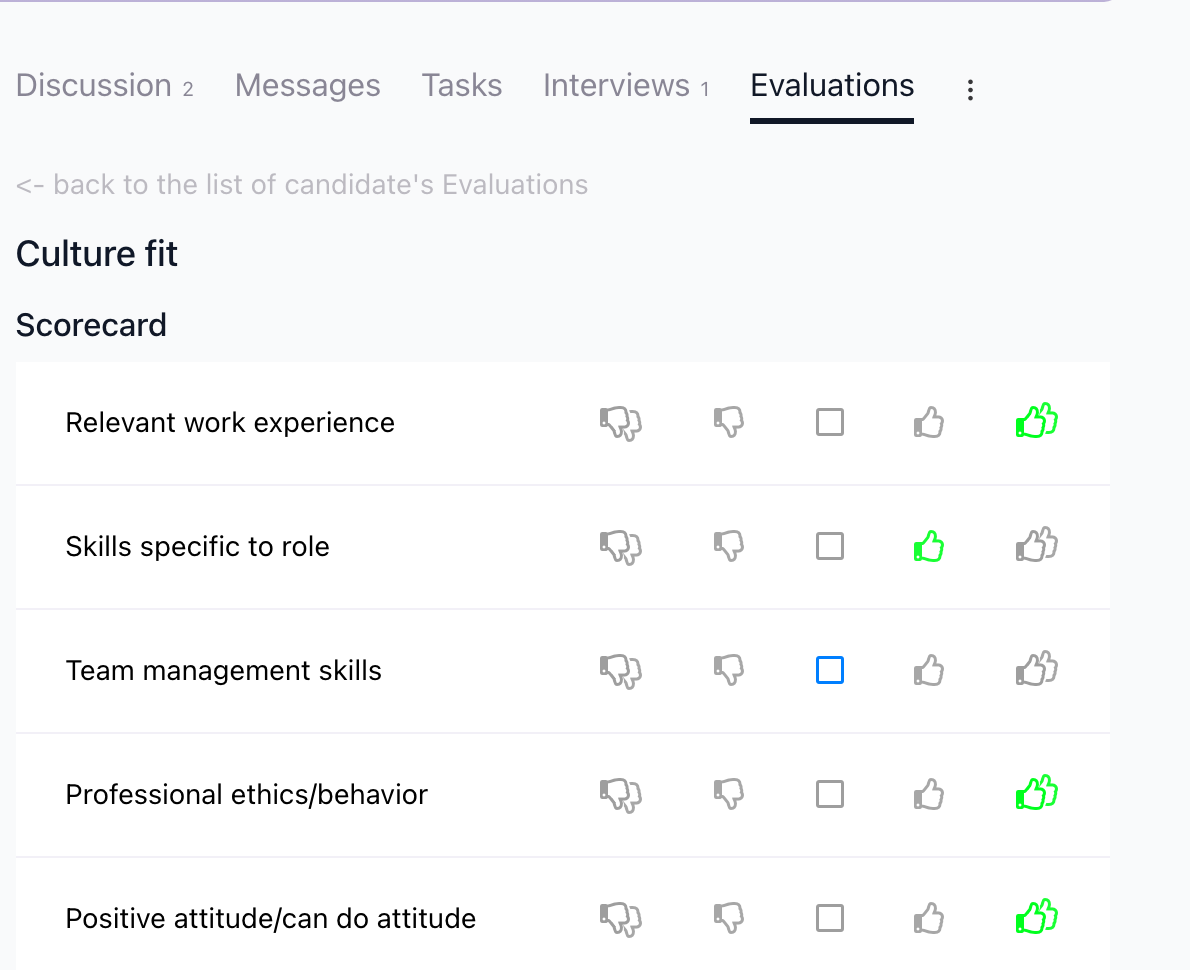
Evaluation Forms and AI Copilot
Use structured feedback, then ask AI Copilot for summaries and follow-up questions.
Suggested workflow
Applied -> Bar/practice screen -> Recruiter screen -> Partner review -> Interview -> Offer
Use this as a starting point. Adjust the stage names, automations, evaluation forms, and messages to match your actual process.
Operating tips
- Keep the first application form short, then move deeper screening into questionnaires or recruiter follow-up when the role requires it.
- Store repeatable requirements as Profile Fields, form answers, tags, or evaluation form answers instead of burying them in free-text notes.
- Test every automation on a sample candidate before relying on it for live applicants.
- Use bulk actions for clear administrative changes, but review edge cases before sending rejection emails.
- Review source performance periodically so the team spends time on channels that produce qualified candidates, not only high applicant volume.
- Put private hiring priorities in Job Notes when they should guide internal review but should not appear on the public job post.
Updated on: 24/07/2026
Thank you!