
How Non-Profit Teams Use 100Hires
How Non-Profit Teams Use 100Hires
Who this is for
Non-profit teams hiring staff, grant-funded roles, part-time coordinators, volunteers, and program leaders.
What makes this hiring workflow different
- Budgets are tight
- Hiring teams may include program leaders who recruit only occasionally
- Mission fit needs structured feedback, not informal notes only
Recommended 100Hires setup
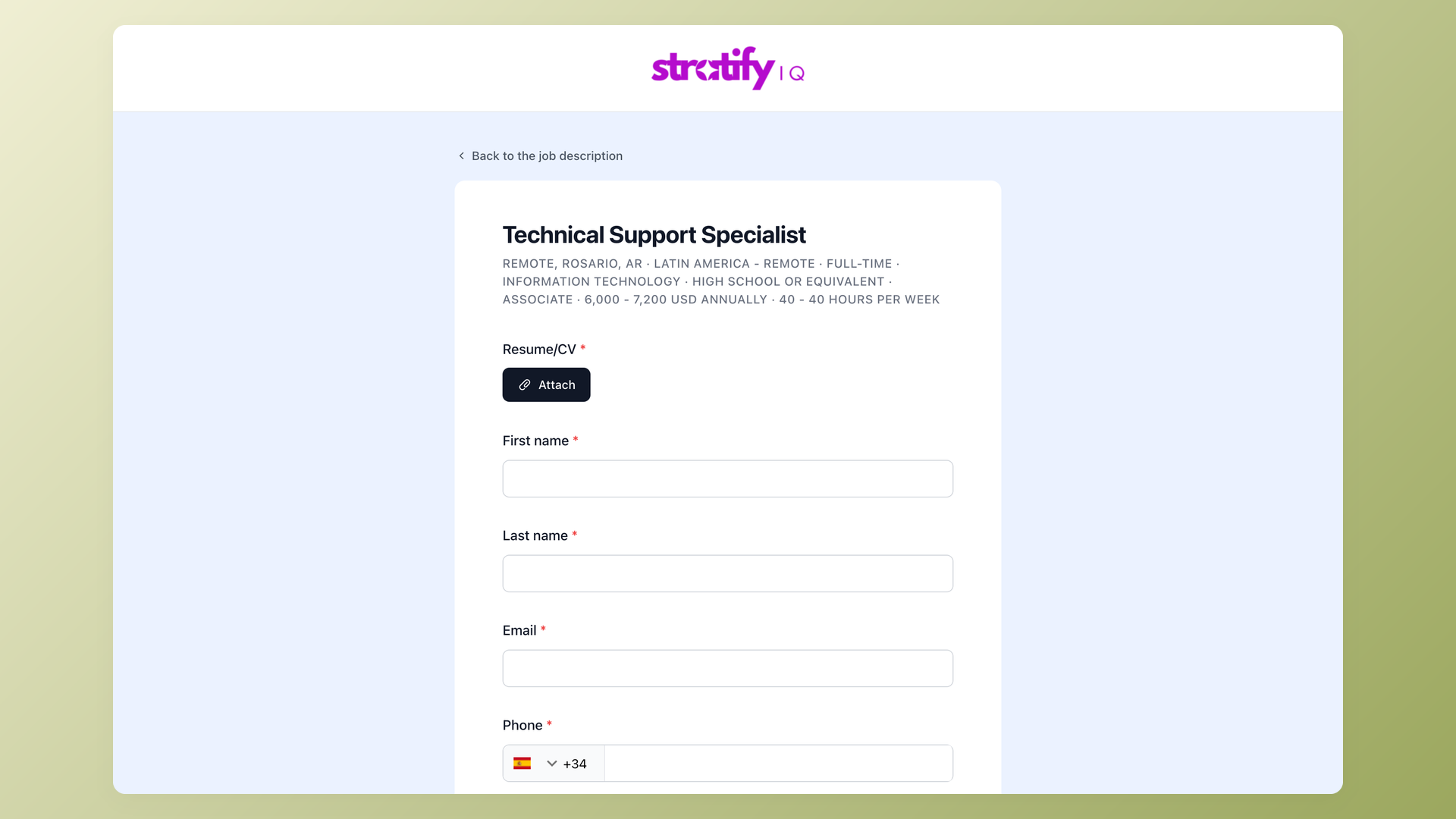
Career site and application forms
Keep applications simple and mission-specific.
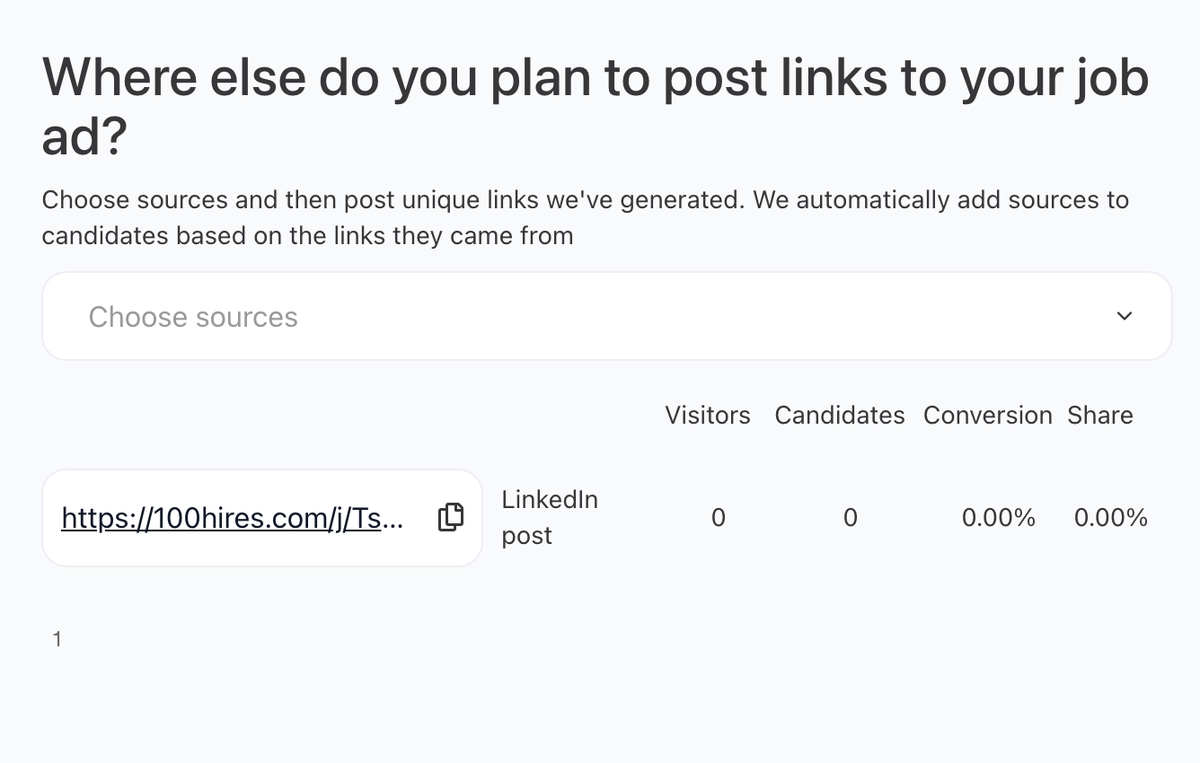
Trackable links
Measure community groups, newsletters, partner referrals, and volunteer networks.
Evaluation Forms
Ask interviewers the same mission-fit and role-fit questions.

Email templates
Use clear templates for volunteer, part-time, and full-time communication.

Suggested workflow
Applied -> Eligibility screen -> Program review -> Interview -> Reference or background step -> Offer
Use this as a starting point. Adjust the stage names, automations, evaluation forms, and messages to match your actual process.
Operating tips
- Keep the first application form short, then move deeper screening into questionnaires or recruiter follow-up when the role requires it.
- Store repeatable requirements as Profile Fields, form answers, tags, or evaluation form answers instead of burying them in free-text notes.
- Test every automation on a sample candidate before relying on it for live applicants.
- Use bulk actions for clear administrative changes, but review edge cases before sending rejection emails.
- Review source performance periodically so the team spends time on channels that produce qualified candidates, not only high applicant volume.
- Put private hiring priorities in Job Notes when they should guide internal review but should not appear on the public job post.
Updated on: 24/07/2026
Thank you!