
How Solo Founder First 5 Hires Teams Use 100Hires
How Solo Founder First 5 Hires Teams Use 100Hires
This setup is for founders making their first few hires without a recruiter. The goal is to spend less time organizing resumes and more time on high-signal conversations.
1. Start with one clean job per role
Create a separate job for each role, even if the company is small. The job holds the description, application form, workflow, hiring team, automations, and AI Scoring criteria for that role.
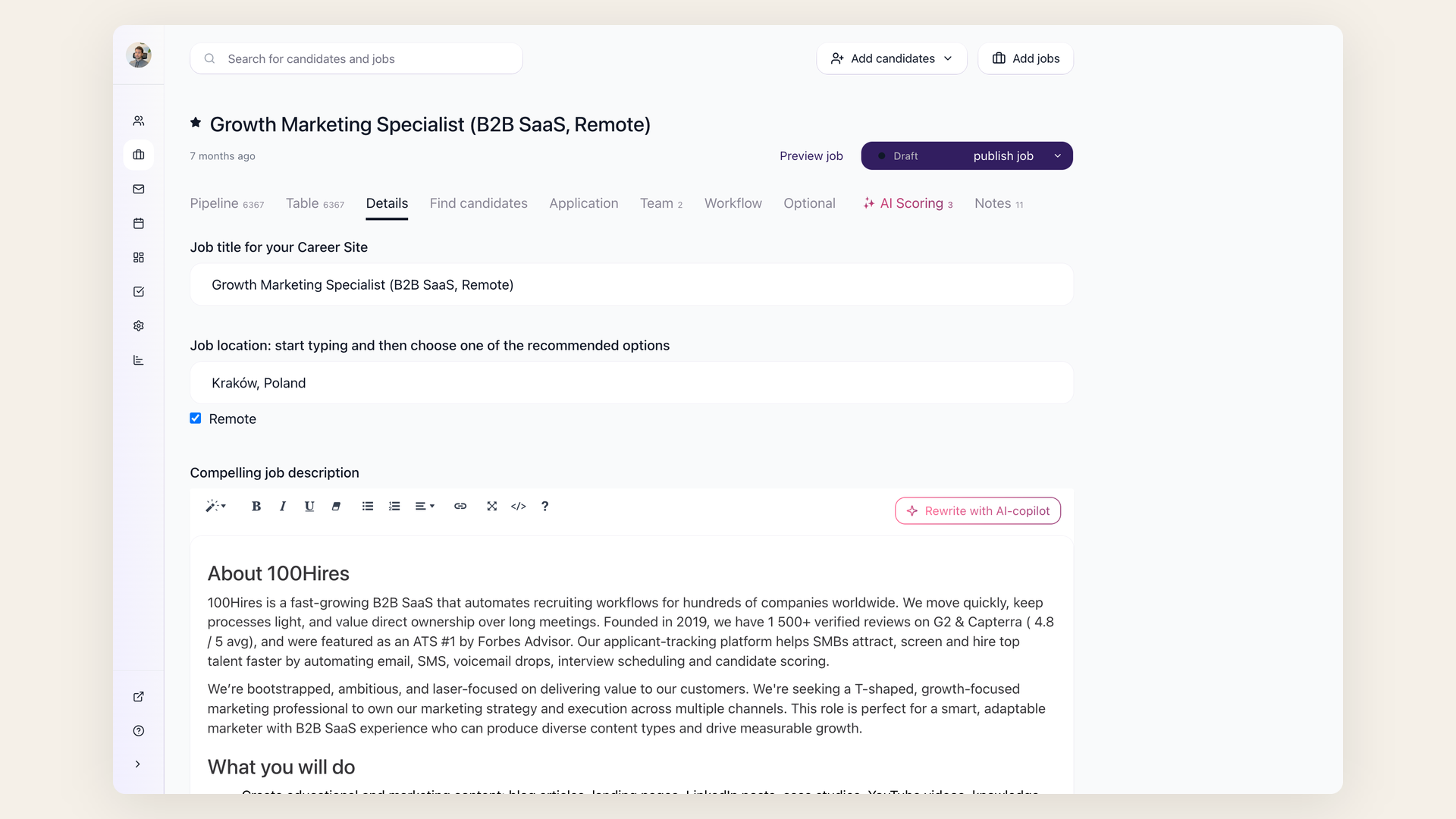
Keep the job description specific. Add must-have outcomes, working style, location expectations, salary range if you can share it, and the first 90-day goals. This gives candidates and the AI tools better context.
2. Ask only the questions you will actually use
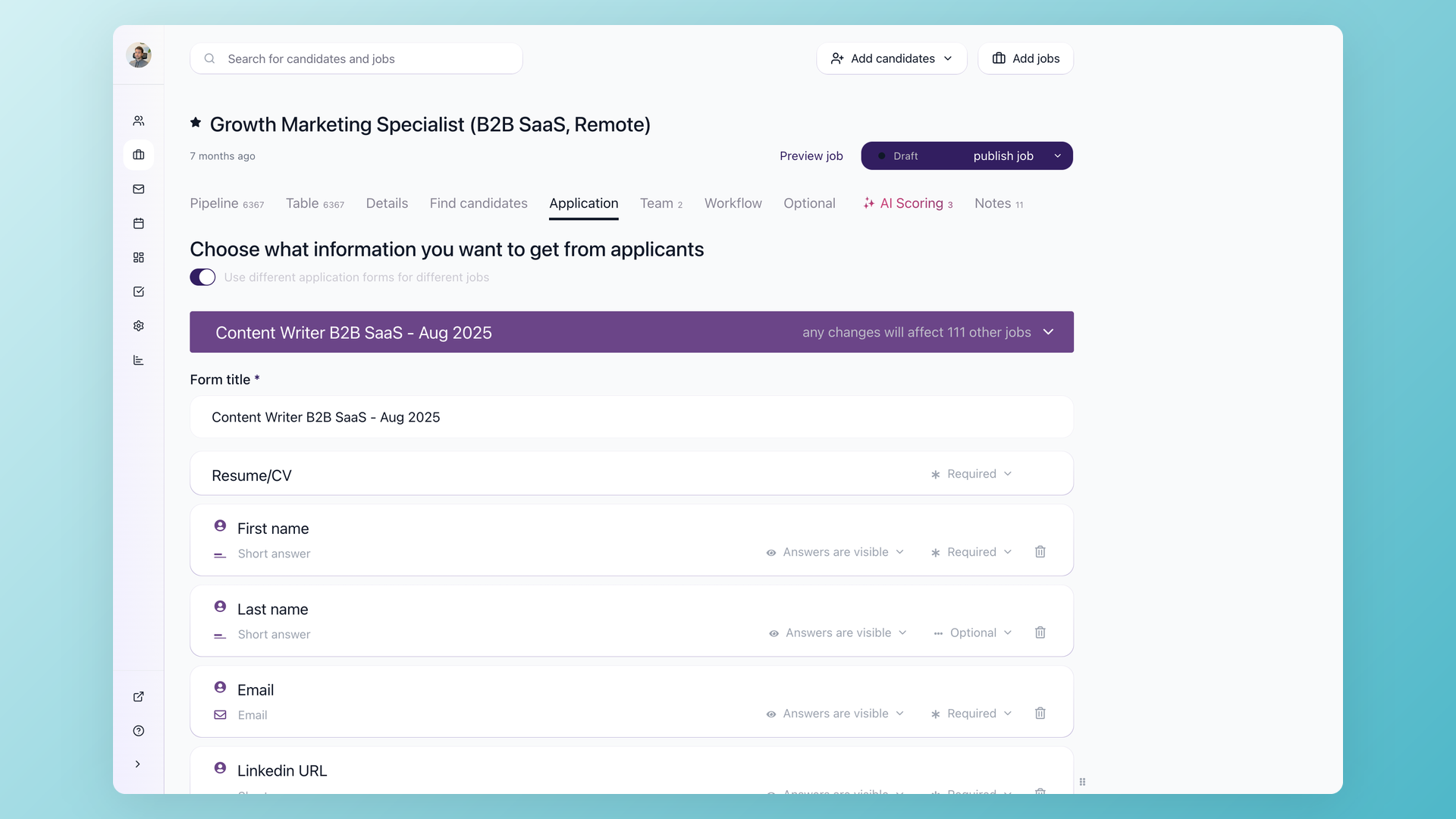
Add application questions for must-have signals: work authorization, location, salary expectations, portfolio, or a short written answer. If a question is a hard requirement, you can use it later with knockout automation.
3. Use AI Scoring for ranking, not final decisions
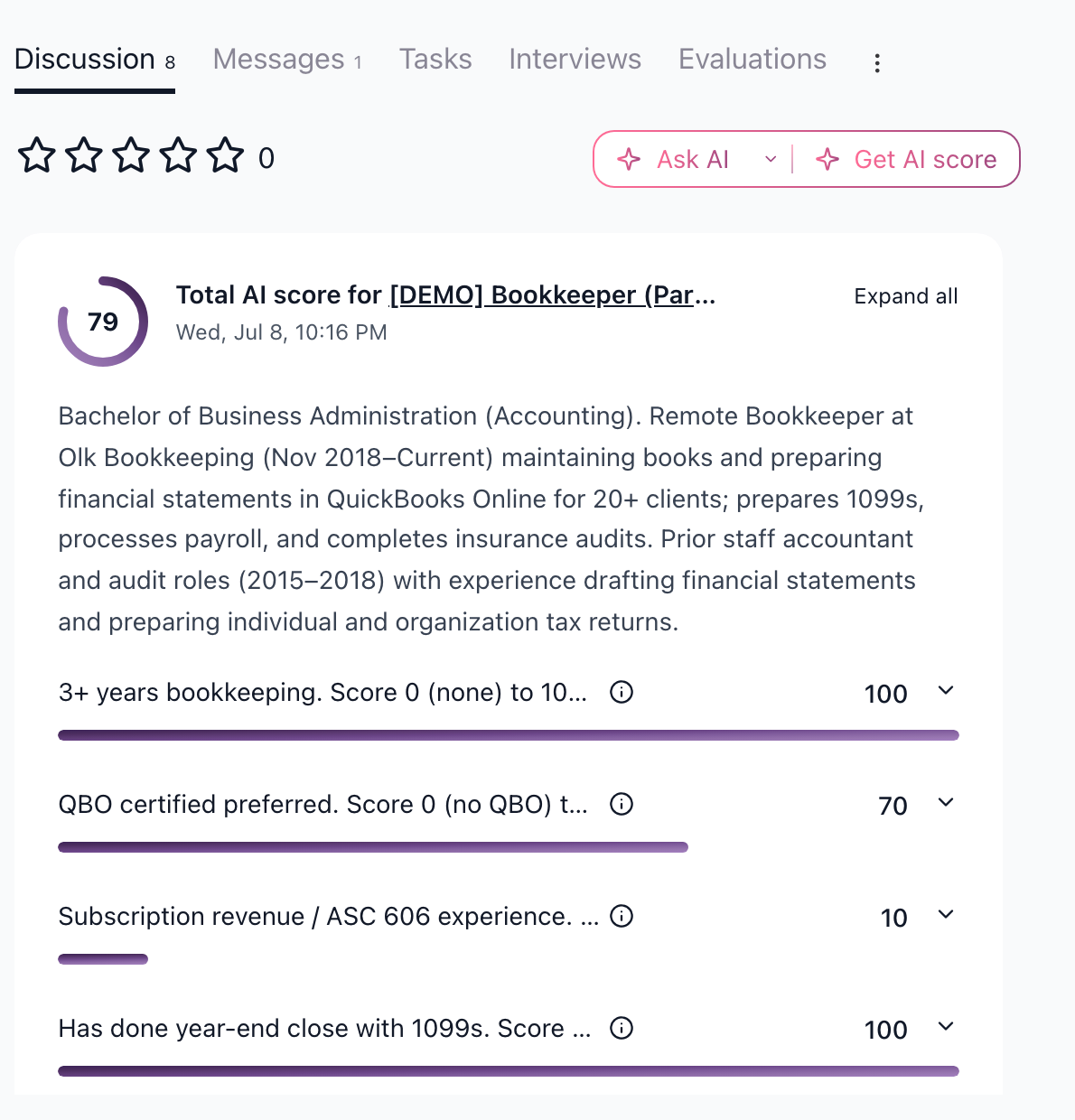
Configure 3 to 5 criteria on the job's AI Scoring tab. Use criteria that are visible in the candidate data, such as role-relevant experience, domain match, location, written answers, or portfolio evidence. AI Scoring returns numeric scores so you can review the strongest applications first.
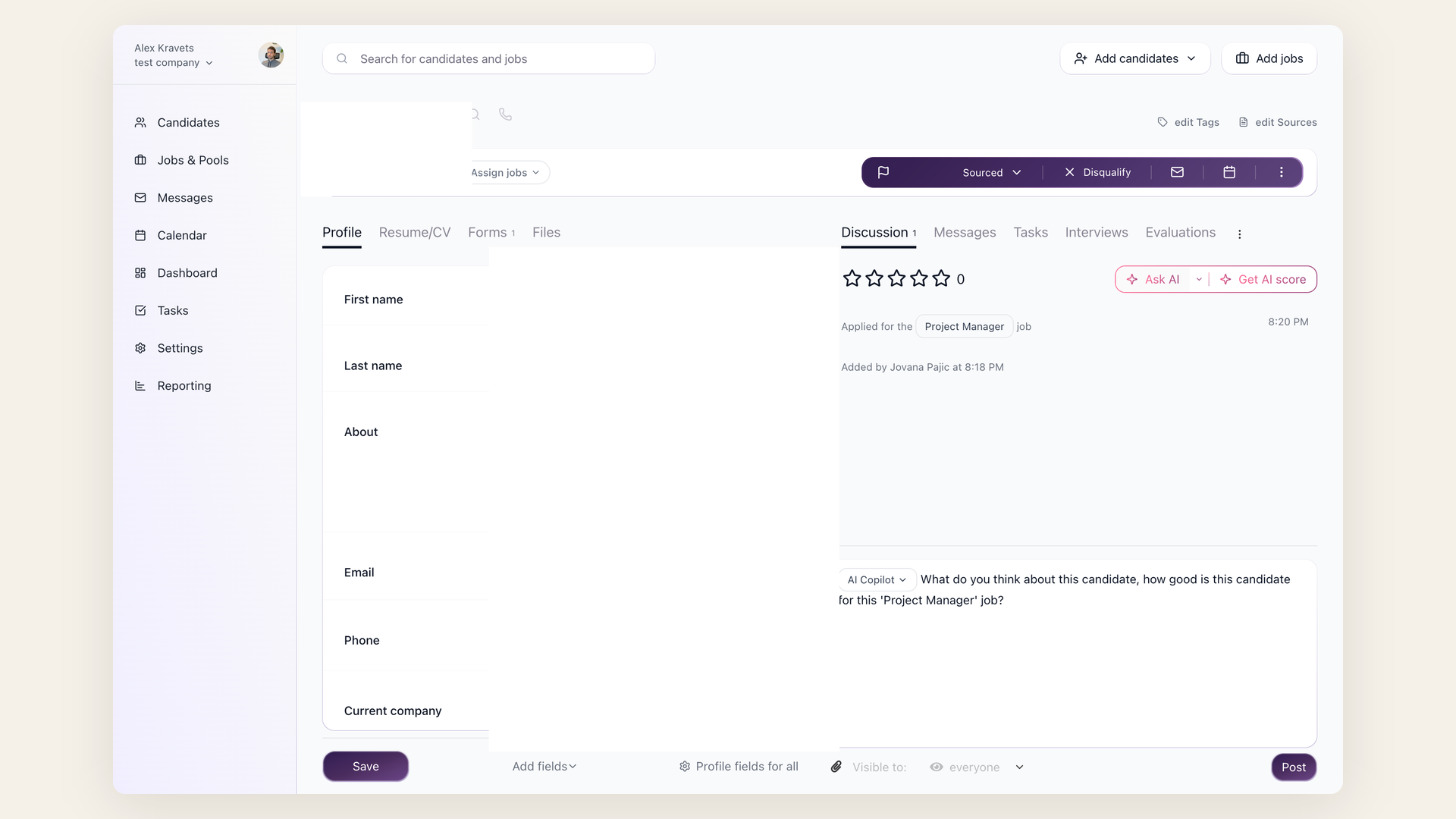
Use AI Copilot separately when you want a written answer about one candidate, such as "summarize strengths and risks" or "list interview questions based on the resume."
4. Remove scheduling overhead
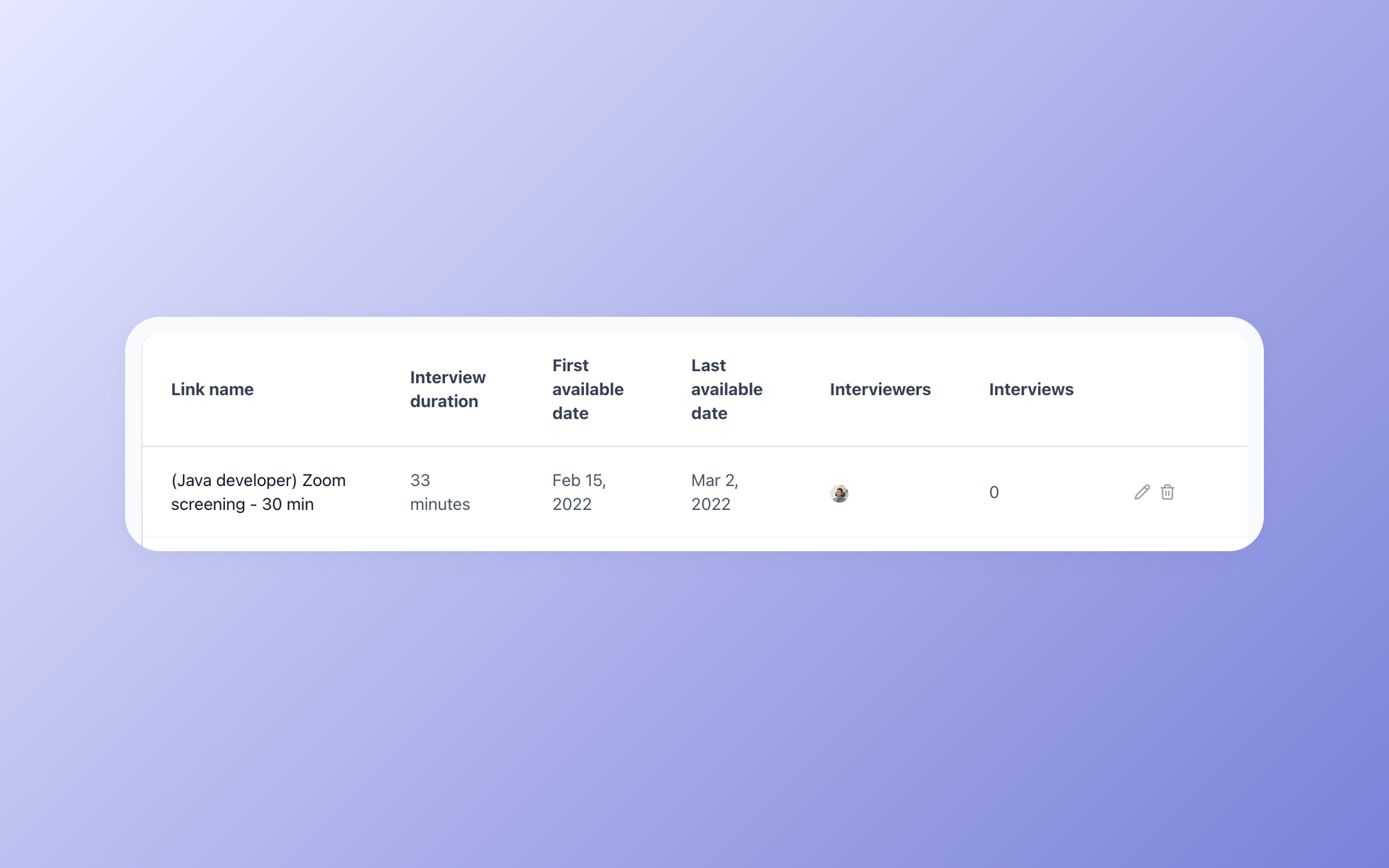
Connect your calendar and create self-scheduling links for founder screens. Candidates choose from your available slots, and the interview is created in your calendar.
Free trial notes
The free trial is useful for testing the core workflow, but free-trial job posting has verification and applicant limits. Trial jobs require verification before job-board posting, and a verified trial job can receive up to 10 applicants before it moves to draft. If you need higher volume or priority verification, use a paid plan.
Recommended first-hire workflow
- Create one job per role.
- Add a short application form with must-have questions.
- Set 3 to 5 AI Scoring criteria.
- Review by AI score, then open the best profiles.
- Use AI Copilot to summarize evidence and prepare questions.
- Send candidates a self-scheduling link.
- Move candidates through stages consistently.
Updated on: 24/07/2026
Thank you!