
How to Send Emails and SMS to Candidates
How to Send Emails and SMS to Candidates
Communicate with candidates through email and text messages directly from 100Hires.
Sending emails
From candidate profile
- Open the candidate's profile
- Go to the Messages tab
- Start typing

- Choose a template or write custom message
- Click Send
Using templates
- Click the template dropdown

- Select a saved template
- Variables auto-populate (name, job title, etc.)
- Edit if needed
- Send
Bulk email
Send to multiple candidates:
- Select candidates using checkboxes in table view
- Click Email from bulk actions

- Choose template
- Send to all selected candidates
Sending SMS
Requirements
SMS requires Twilio integration. Contact 100Hires support to set up.
From candidate profile
- Open candidate profile
- Go to Messages tab
- Select SMS option

- Choose SMS template or write message

- Send
Character limits
SMS messages have length limits:
- Standard: 160 characters
- With special characters: 70 characters
- Longer messages split into multiple texts
Email features
Threading
Emails appear as conversation threads. Reply to continue the thread.
Attachments
- Click attachment icon

- Select files to attach
- Maximum file size: 25MB
Scheduling
Send later:
- Compose your email
- Click schedule option
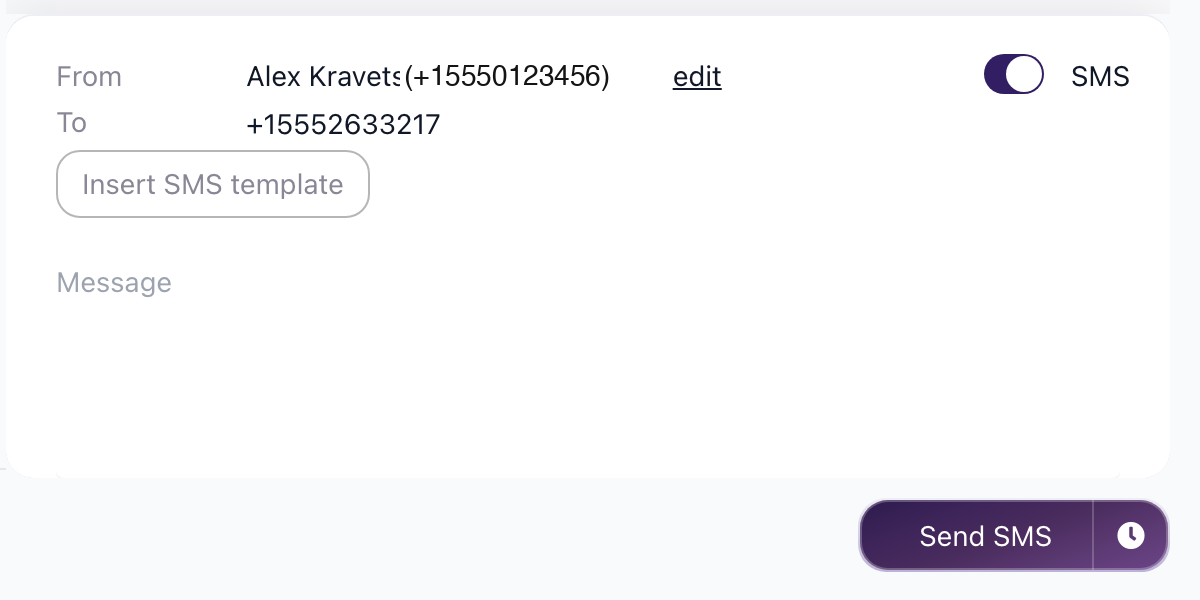
- Choose date and time
- Email sends automatically
Variables
Insert dynamic content:
{{candidate_first_name}}- Candidate name{{job_title}}- Position{{company_name}}- Your company{{sender_first_name}}- Your name
Message history
All communication is logged in the candidate profile:
- Sent and received emails
- SMS messages
- Read receipts (where available)
- Timestamps
Message templates
Creating templates
- Go to Settings / Email Templates
- Click Add Template

- Name, subject, and body
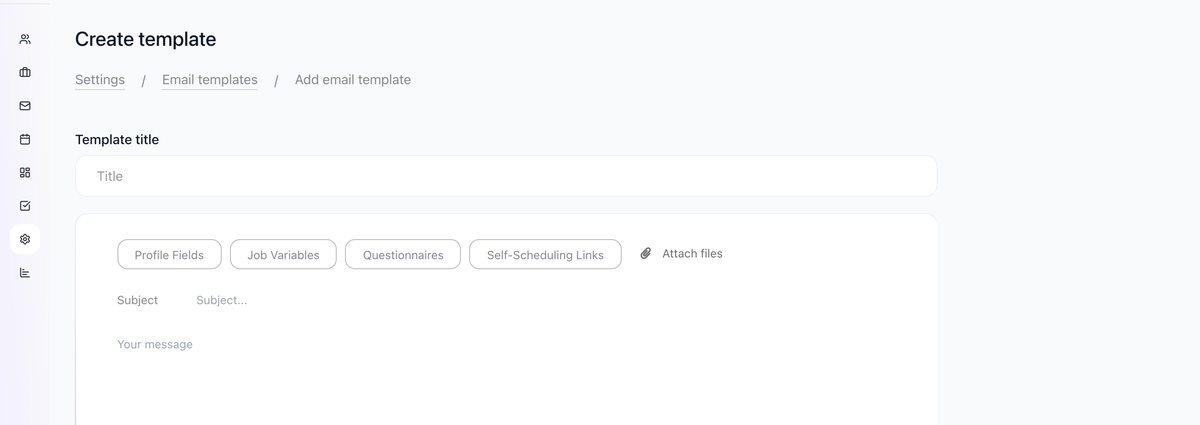
- Save for reuse
SMS templates
- Go to Settings / SMS Templates
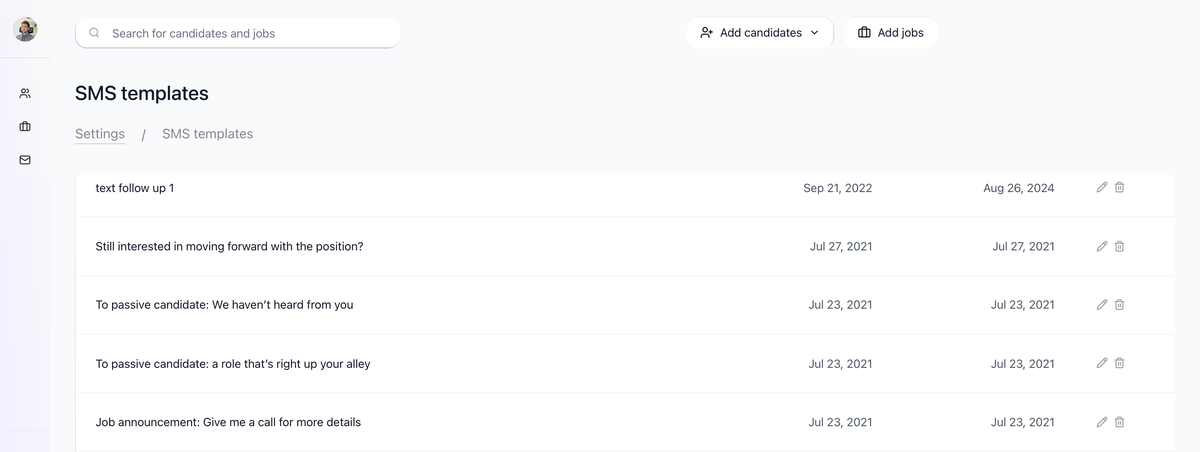
- Create short, focused templates
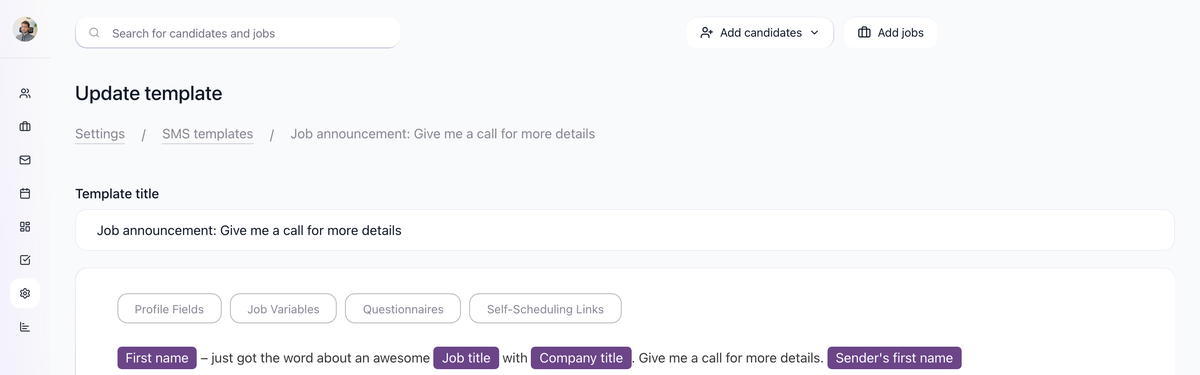
- Keep within character limits
Tips
Email best practices
- Personalize with variables
- Keep subject lines clear and relevant
- Include call to action
- Proofread before sending
SMS best practices
- Use for time-sensitive messages
- Keep messages brief
- Include identifying info (your name, company)
- Respect candidate preferences
Response management
- Check Messages section regularly
- Respond promptly to candidate replies
- Use filters to find unread messages
Updated on: 07/08/2026
Thank you!