
Post Jobs to ZipRecruiter from 100Hires
Post Jobs to ZipRecruiter from 100Hires
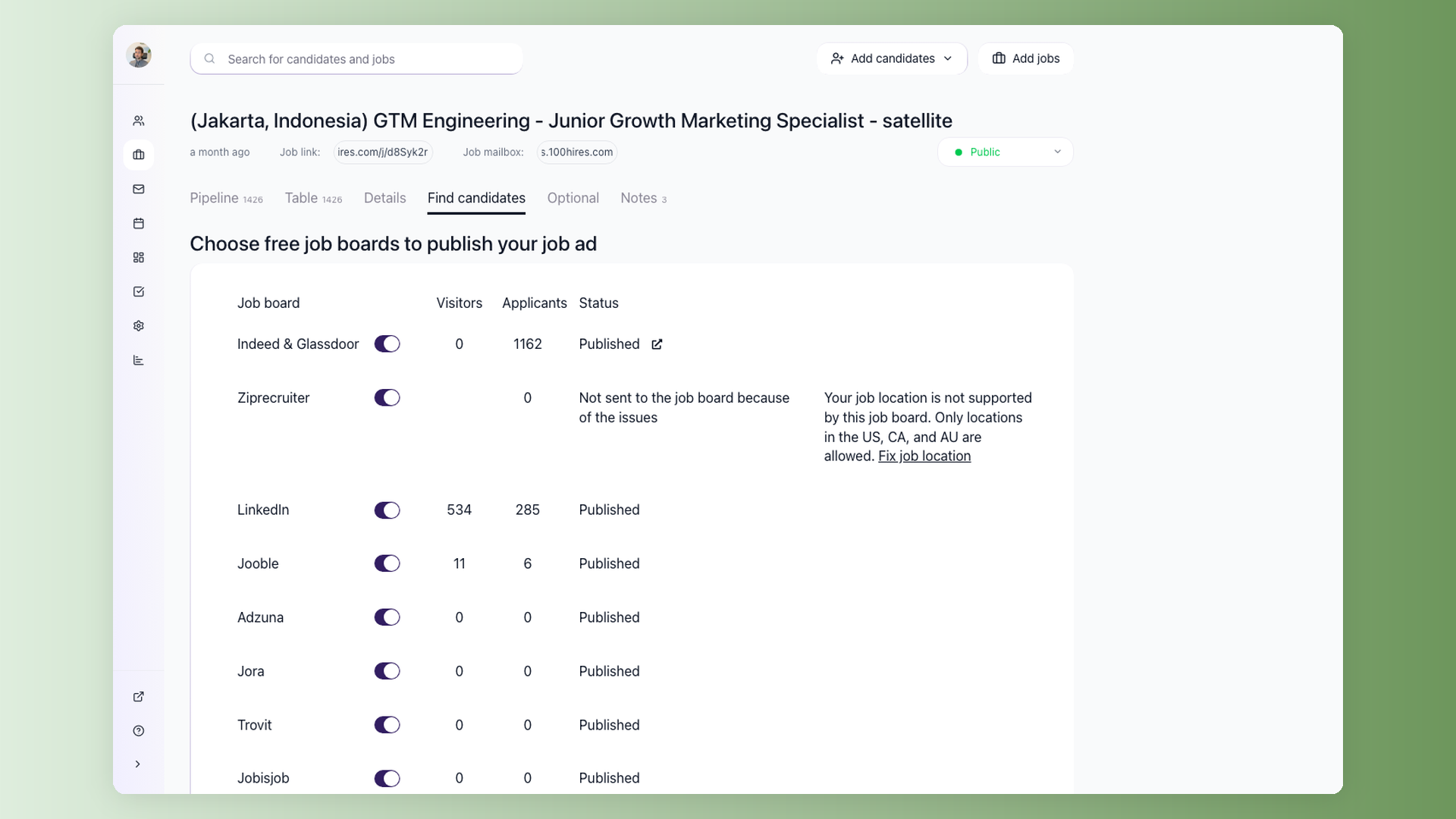
100Hires distributes your Public jobs to ZipRecruiter as part of the built-in job board integrations. A single click in 100Hires can put your job in front of ZipRecruiter's audience without you having to log in and re-enter the posting separately.
Prerequisites
ZipRecruiter is one of the job boards available on each job's Find Candidates tab, alongside Indeed & Glassdoor (a single toggle serving both), LinkedIn, Jooble, Adzuna, Jora, Trovit, Jobisjob, Monster, CareerJet, Google Jobs, and Talent.com.
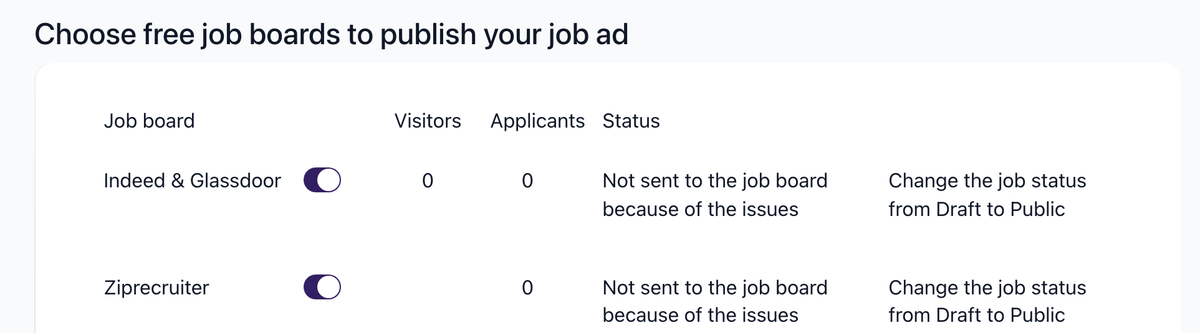
To make a job eligible for ZipRecruiter distribution, set its status to Public (visible on your careers site and eligible for job board syndication). Talent Pool, Unlisted, Internal Use, Draft, and Archived jobs are not posted to job boards.
Recommended fields
For better job-board matching, make sure your posting includes:
- Job title
- Job description
- Location
- Employment type
- Salary range (you can use the "Recommend Salary" button to get an AI-suggested market range)
100Hires highlights missing job-board fields before submission when validation catches an issue.
Applicant flow
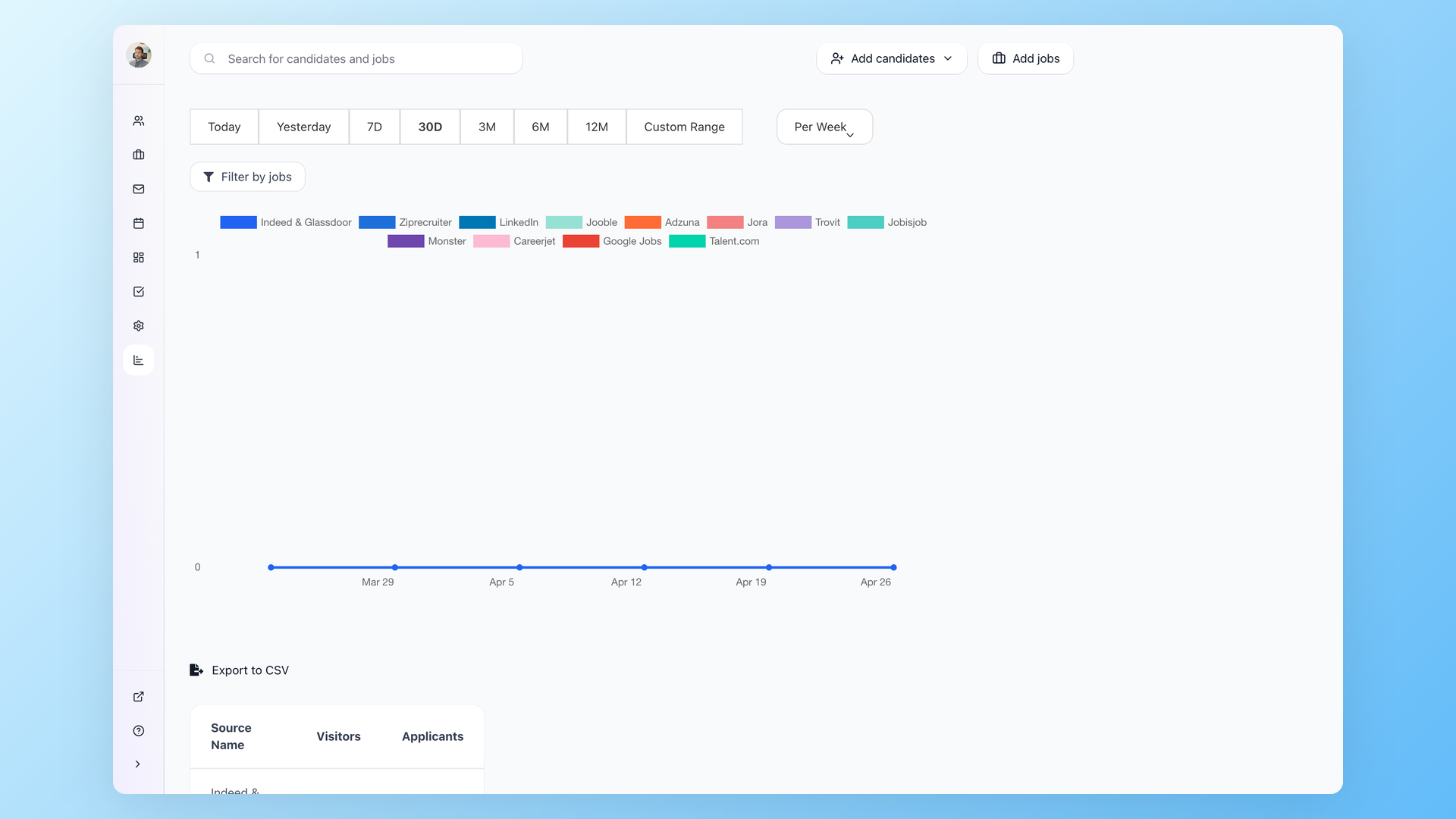
Applications that come in through ZipRecruiter appear directly in 100Hires under the relevant job. Each candidate has a source recorded so you can see where they came from, and you can review source breakdown in Reporting > Sources for any job and date range.
Verification & visibility
If you are on a free trial, jobs go through verification before they post to job boards - this can take up to 72 hours, and you can skip the queue by upgrading to a paid plan. Once a job is verified and live, give job boards at least 24 hours before checking visibility - you can find your company page directly on ZipRecruiter to confirm the posting is live.
Removing the post
To take a job down from ZipRecruiter, change its status to Archived or Filled in 100Hires. Once the status changes, the job is no longer eligible for job board syndication.
If you run into trouble posting to ZipRecruiter or want help confirming a listing is live, contact support from inside 100Hires.
Related screenshots
These screenshots show the 100Hires areas used in this workflow.
Updated on: 06/08/2026
Thank you!