
Use External Coding Assessments with 100Hires
Use External Coding Assessments with 100Hires
100Hires does not need a native integration for every assessment vendor. For coding tests and other external assessments, use Zapier or the 100Hires Developer API to connect the assessment step to your hiring workflow.
Use this pattern for tools such as CodeSignal, HackerRank, TestGorilla, Criteria, or any other assessment platform that can receive candidate data from Zapier or an API workflow.
Recommended pattern
- Add a pipeline stage such as Technical screen or Assessment.
- Use the 100Hires Zapier trigger New candidate in stage, or use webhooks/API if you are building your own integration.
- Send the candidate information to the assessment tool.
- When the assessment is complete, write the result back to 100Hires as a discussion note, tag, custom field, or another field your workflow uses.

Connecting through Zapier
- Go to Settings > Integrations and find the Zapier section.
- Copy your 100Hires API key.
- In Zapier, connect the 100Hires app with that API key.
- Use New candidate in stage as the trigger.
- Add the assessment tool as the action app, if that tool supports the action you need.

Direct API option
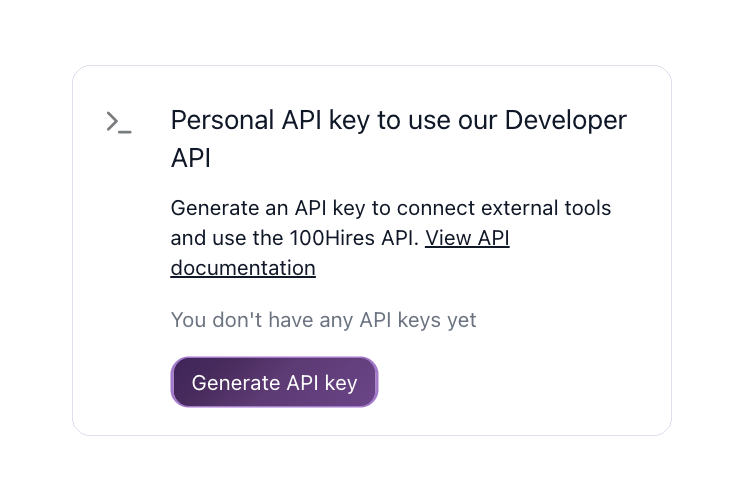
For a tighter integration, use the 100Hires API v2. You can create or update candidates, move applications between stages, add notes, and react to hiring events through webhooks.
Where results should live
The result return path depends on how your Zap or API integration is built. Common options are:
- A note on the candidate Discussion tab with score and report link.
- A tag such as
assessment-completedorassessment-failed. - A custom profile field that your team reviews or uses in reporting.

Combining with AI Score and automations
If assessment results are stored in 100Hires as fields or notes, your team can review them alongside resumes, profile fields, messages, evaluation forms, and discussion notes. For roles where the assessment result should affect ranking, reference the stored result in the job's AI Scoring criteria.
Important limitation
100Hires can trigger and receive data through Zapier/API workflows, but each assessment vendor controls which Zapier actions, API endpoints, and report links are available. Confirm the vendor-side capabilities before promising a fully automated loop.
Updated on: 18/06/2026
Thank you!