
Why Can't I Use Gmail to Sign Up
Why Can't I Use Gmail to Sign Up
100Hires needs a company email address on your own domain - something like you@yourcompany.com. Free mailboxes are not accepted at signup: Gmail, Outlook.com, Yahoo and other free consumer providers.
If you don't have a company address yet, you can create one. The work takes well under an hour; most of the elapsed time is waiting for DNS. This guide walks through it, with current prices.
Why we ask for this
You need a domain you control to authenticate candidate email. When you email candidates from 100Hires, the message goes out under your address. On your own domain you can publish the DNS records that receiving mail servers check - SPF, DKIM and DMARC - so your mail is verified as genuinely yours and you build a sender reputation you own. You cannot publish or change those records for gmail.com or outlook.com, because you don't own those domains. That means you can't authorize another system to send under your free address, and you never accumulate reputation on a domain that is yours. See How to Monitor Email Deliverability and Avoid Spam.
Job boards won't publish your jobs from a free mailbox. Boards verify that there's a real employer behind an account before they distribute a posting, and an address on your own domain is what clears that check. Without it your jobs don't go out.
It confirms you represent a real business. A company address is the simplest proof that there's an actual employer behind the account.
Candidates trust it. A message from sarah@northwind.com reads as a real company. The same message from sarah.recruiting.2019@gmail.com reads as a scam.
It keeps the platform clean. Historically a large share of free-mailbox signups were job seekers who landed here by mistake, plus repeat spam accounts. Requiring a company domain keeps that out.
We recommend Google Workspace
Any provider that gives you a mailbox on your own domain will get you through signup. We recommend Google Workspace specifically, for two reasons.
Integration depth. 100Hires connects directly to Gmail and Google Calendar. Email is two-way: messages you send from 100Hires appear in your Gmail, and candidate replies show up in both your mailbox and the candidate's 100Hires profile, so the full history stays in one place. Calendar sync lets you schedule interviews against your real availability. Setup is covered in Integrate 100Hires with Gmail or Outlook.
Deliverability. Google's sending infrastructure is well established with receiving mail servers, and the admin console generates your SPF and DKIM records for you, so authentication is a few clicks rather than a DNS project.
Microsoft 365 is a solid second choice and has the same two-way integration with 100Hires. Other providers such as Zoho Mail also give you a mailbox on your own domain. Everything below uses Google Workspace as the example.
Step 1 - Register a domain
Around $11 per year. If your company already owns a domain, skip to Step 2.
Two registrars we'd point you to:
- Cloudflare Registrar - sells domains at cost with no markup, so there's no cheap first year followed by an expensive renewal. A .com runs about $10.44 per year. The trade-off: your domain has to use Cloudflare's nameservers.
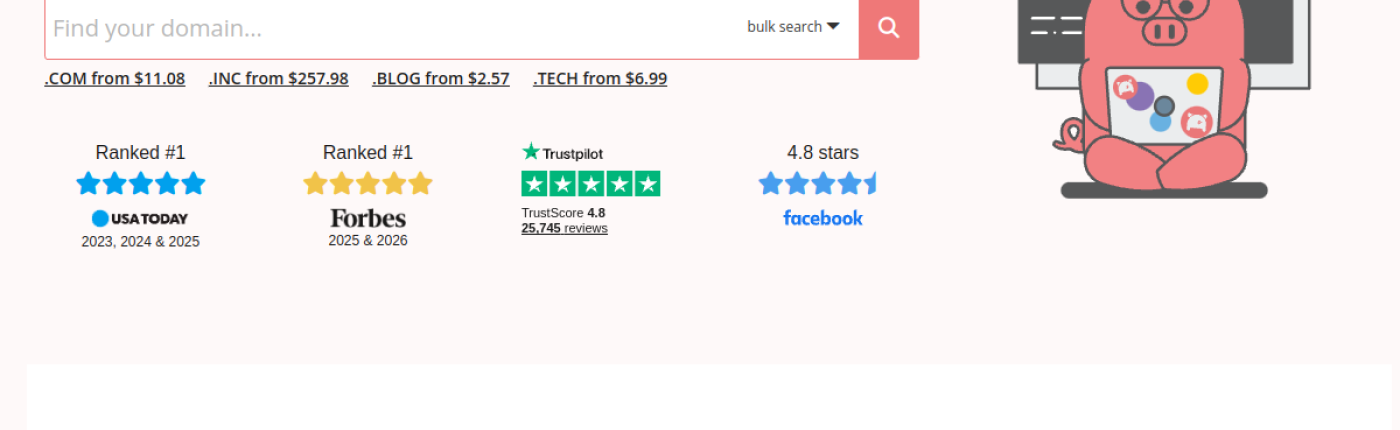
- Porkbun - .com from $11.08 per year, with WHOIS privacy and SSL included at no extra charge.
Two things worth knowing before you buy:
- Watch the renewal price, not the first-year price. A cheap promotional first year that renews at several times the price is common.
- Keep it short and obvious - your company name plus .com. Candidates will read this address in every email you send.
Step 2 - Add a mailbox on that domain
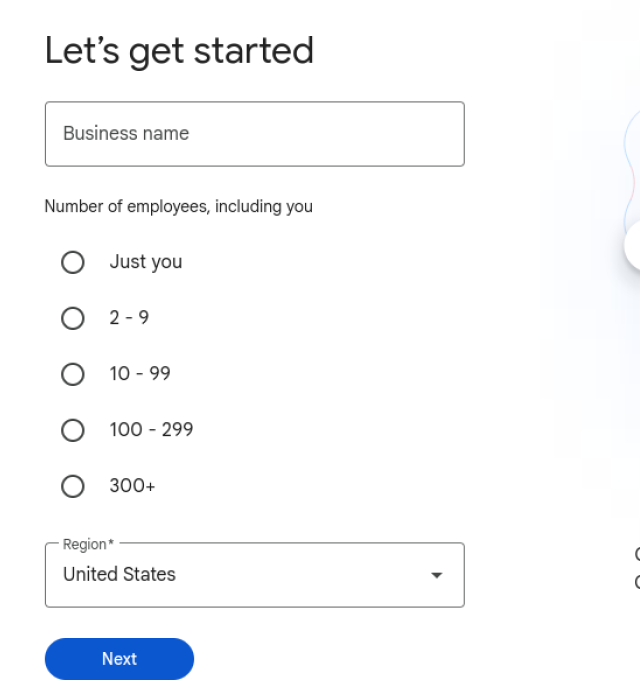
Go to workspace.google.com and start the signup. Google asks for your business name, headcount and region first.
Then you pick a plan. Business Starter is enough for hiring: $7 per user per month on the annual plan, or about $8.40 month-to-month, and it includes the custom business email plus 30 GB of pooled storage per person. There's a 14-day free trial, so you can finish your 100Hires setup before you pay anything.
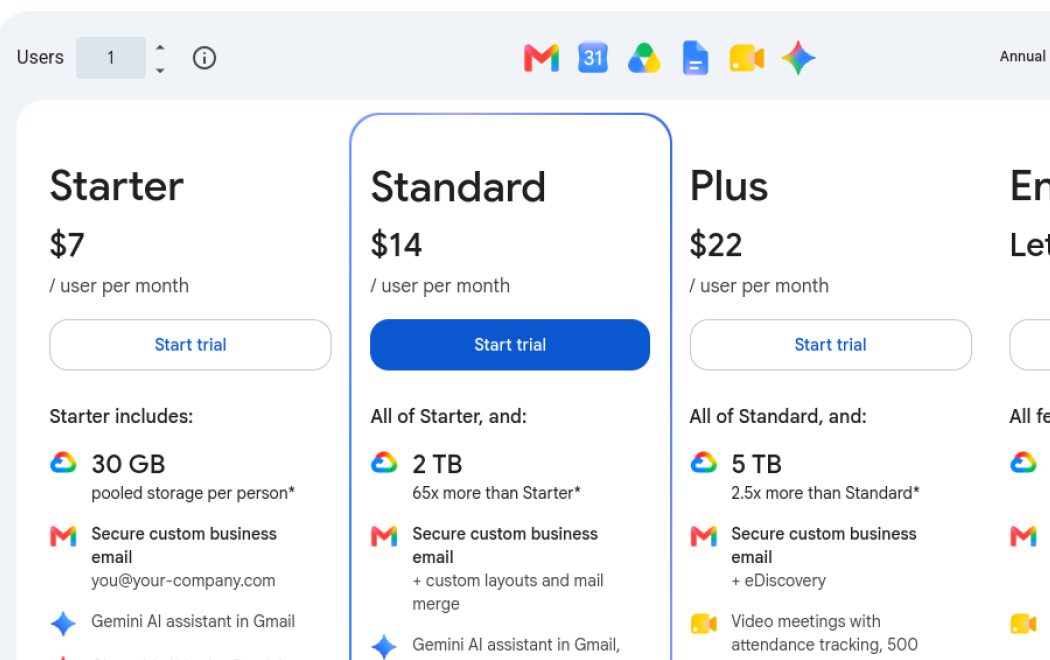
Prices are shown in your local currency and Google runs promotions for new customers, so what you see may differ from the figures above.
During signup Google asks whether you already have a domain - say yes and enter the one you registered in Step 1.
Step 3 - Verify the domain
Google needs proof that the domain is yours. It gives you a TXT record to add to your domain's DNS, which you do in the registrar's dashboard: paste the record, save, and return to Google to confirm. Verification is often quick, but DNS changes can take up to 48 hours to propagate, so don't worry if it isn't immediate.
Once verified, create your mailbox - yourname@yourcompany.com.
Step 4 - Create your 100Hires account
Sign up at app.100hires.com with the new address. Then connect the mailbox so candidate email flows both ways: Integrate 100Hires with Gmail or Outlook.

If you can't do this right now
If you genuinely run your hiring from a free mailbox and setting up a domain isn't realistic, email support@100hires.com, tell us your situation, and we can create the account manually.
Common questions
We already own a domain but our mail is on Gmail.
Then you're most of the way there. Add Google Workspace to the domain you already own - Step 1 is done, start at Step 2. Your existing personal Gmail account stays separate from the new Workspace account.
I'm an independent recruiter or a small agency.
The same setup works: one domain plus one mailbox is roughly $95 in the first year. Your own domain is also what lets you authenticate your candidate email properly.
What does it cost in total?
About $11 per year for the domain and $7 per user per month for Google Workspace Business Starter on the annual plan - roughly $95 for one person for the first year. The Workspace trial is free for 14 days.
Can I use Microsoft 365 or Zoho instead?
Yes. Any mailbox on a domain you own is accepted at signup. Microsoft 365 also has a two-way integration with 100Hires.
Why can't I just use my personal address and change it later?
Candidates see the address you send from, so it's worth getting right before you start outreach. Moving to a new address later means your candidate threads continue from a different sender, and any reputation that address has built doesn't transfer.
Updated on: 31/07/2026
Thank you!