
AI Copilot for Side-by-Side Finalist Comparison
AI Copilot for Side-by-Side Finalist Comparison
Use AI Copilot to compare finalists by asking the same structured questions for each candidate, then reviewing the answers alongside AI Score details and evaluation forms. 100Hires does not require a separate comparison spreadsheet if the key evidence is already in candidate profiles and Discussion notes.
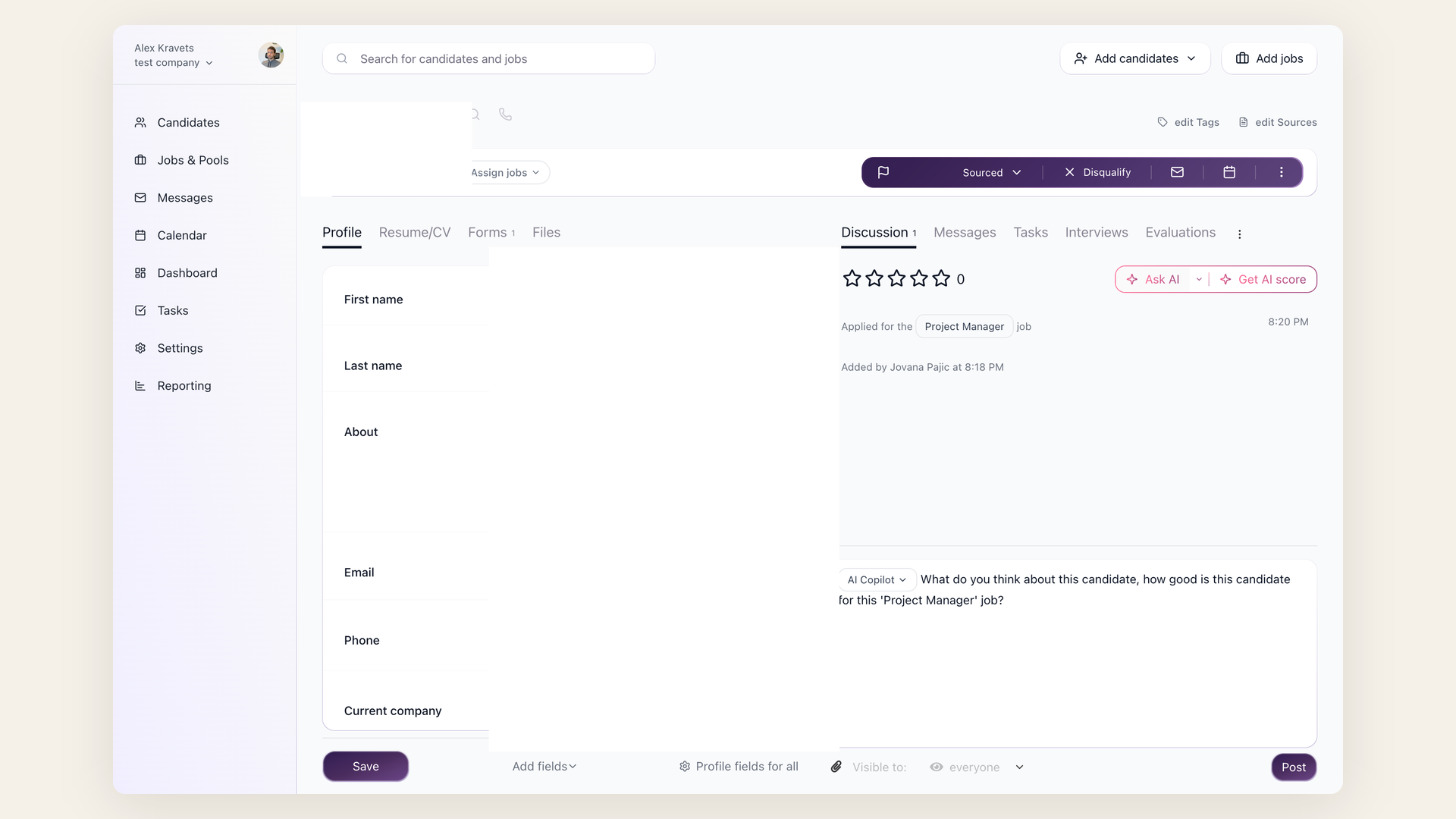
Workflow
- Confirm finalists have current resumes, application answers, evaluation forms, and interview notes.
- Put private selection priorities in Job Notes if the AI should consider them.
- Open each finalist and ask AI Copilot the same prompt.
- Save useful summaries in Discussion notes.
- Review the AI Score breakdown and evaluation feedback before the final decision meeting.
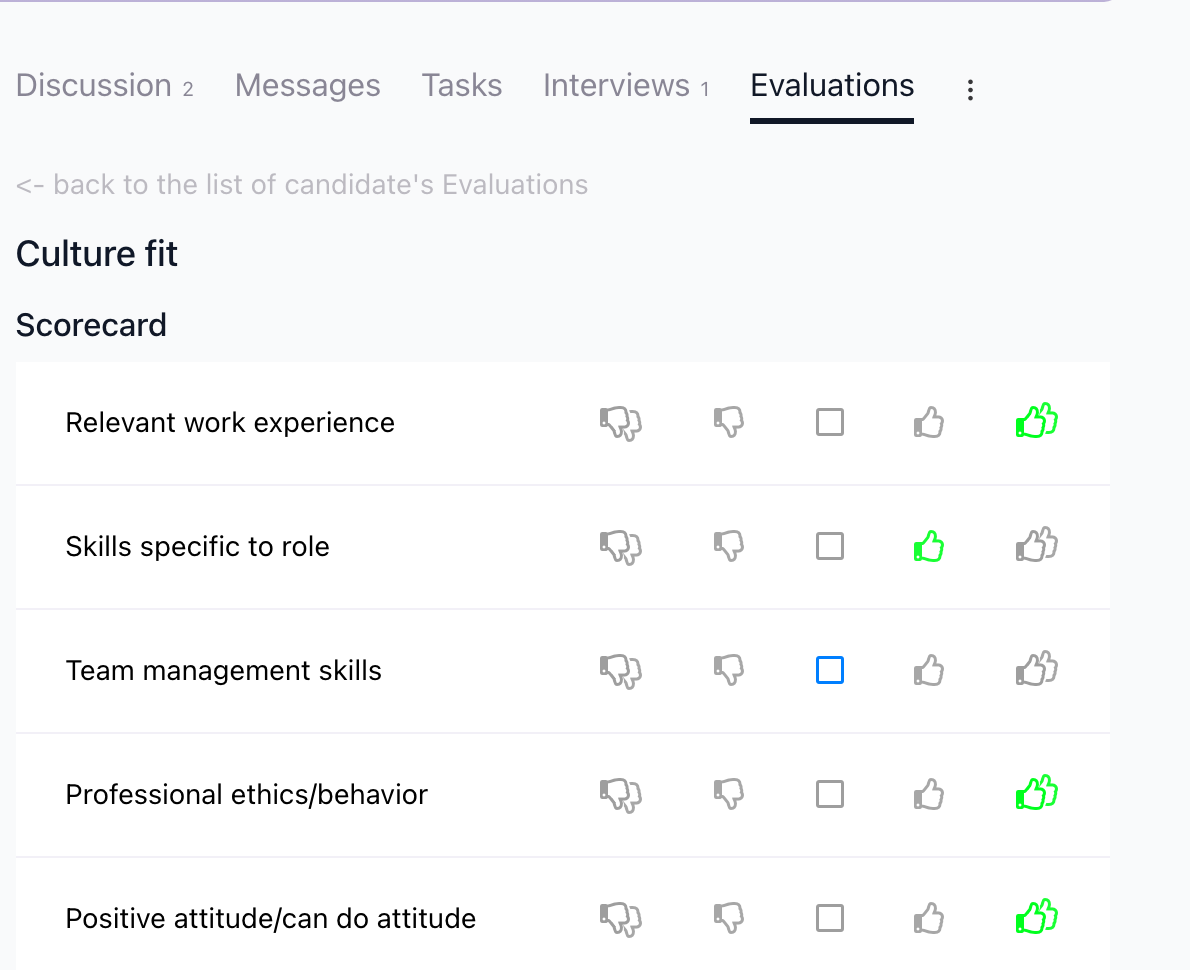
Prompt example
"Summarize this finalist against the job's must-haves. Return strengths, risks, missing evidence, and interview follow-up questions. Use only evidence available in this candidate profile and job context."
Repeat the same prompt for every finalist so the hiring team compares like with like.

What to include in the comparison
Keep the comparison focused on evidence: must-have skills, role-specific risks, interview feedback, compensation or availability constraints, and missing information. If a finalist has a low AI Score on one criterion but strong interviewer feedback, document both so the hiring team can discuss the tradeoff explicitly.
Guardrail
AI Copilot is a review assistant. Final hiring decisions should remain with the hiring team and should account for validated evidence, structured interview feedback, and company policy.
Updated on: 24/07/2026
Thank you!