
Screen 50 Candidates in 5 Minutes with AI Scoring + Bulk Action
Screen 50 Candidates in 5 Minutes with AI Scoring + Bulk Action
Use this workflow when a job receives a large batch of applicants and you need to prioritize review. AI Scoring evaluates selected candidates against the criteria on the job's AI Scoring tab. Bulk actions let you run scoring and then act on many candidates at once.

Workflow
- Open the job and confirm the AI Scoring tab has clear criteria.
- Filter to the stage that contains new applicants, usually Applied.
- Select candidates with the checkbox column.
- Use the bulk action menu to run AI Scoring on the selected candidates.
- Sort or filter by score after scoring finishes.
- Review the score details on borderline candidates before making a final decision.
- Use bulk actions to move, tag, email, or disqualify candidates when the decision is clear.
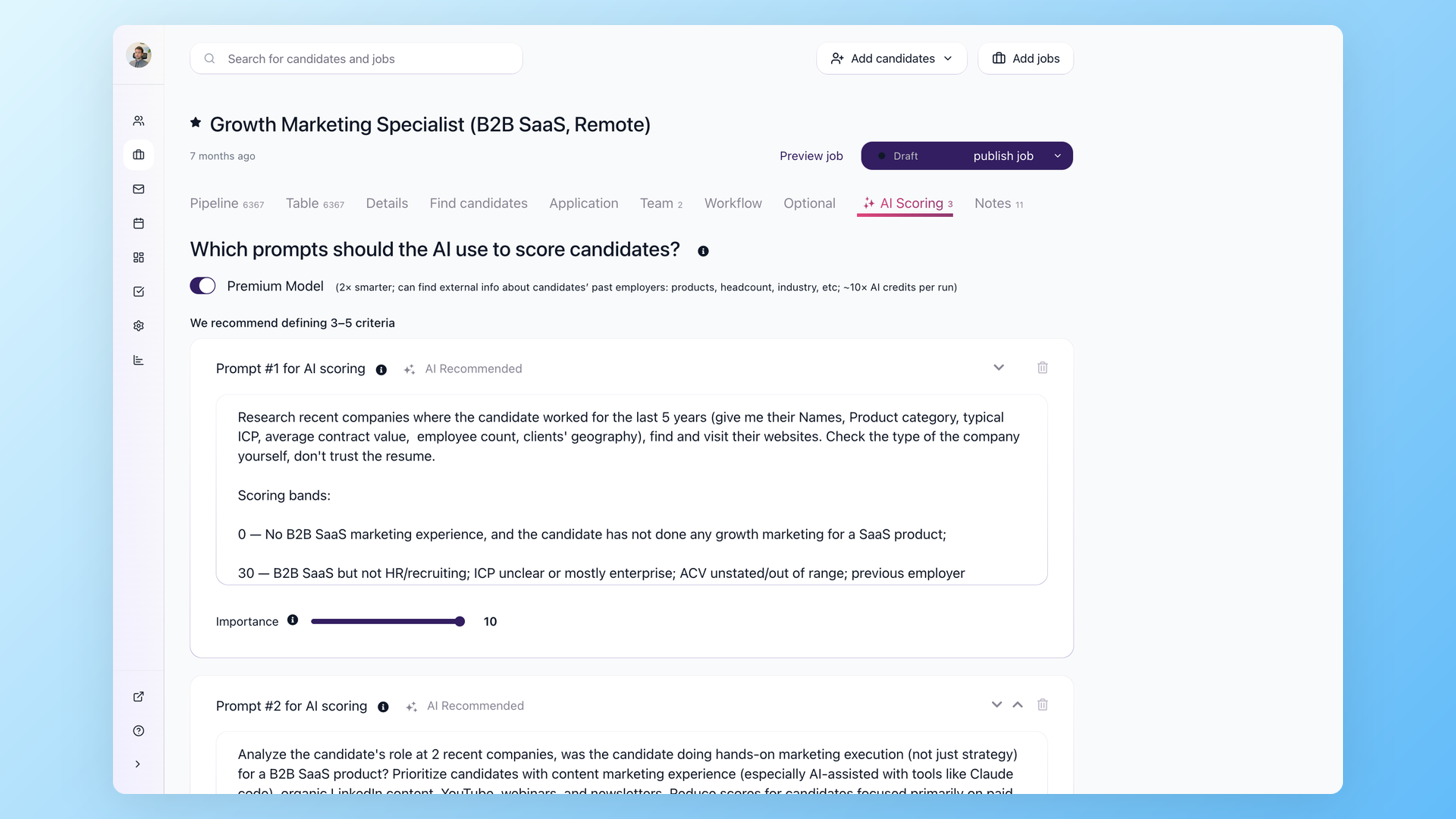
Premium Model
Premium Model belongs to AI Scoring. The UI describes it as a stronger model that can use external information about past employers and costs about 10x more AI credits per run. Use it when the role is senior, technical, or expensive to mis-hire.
Before you disqualify in bulk
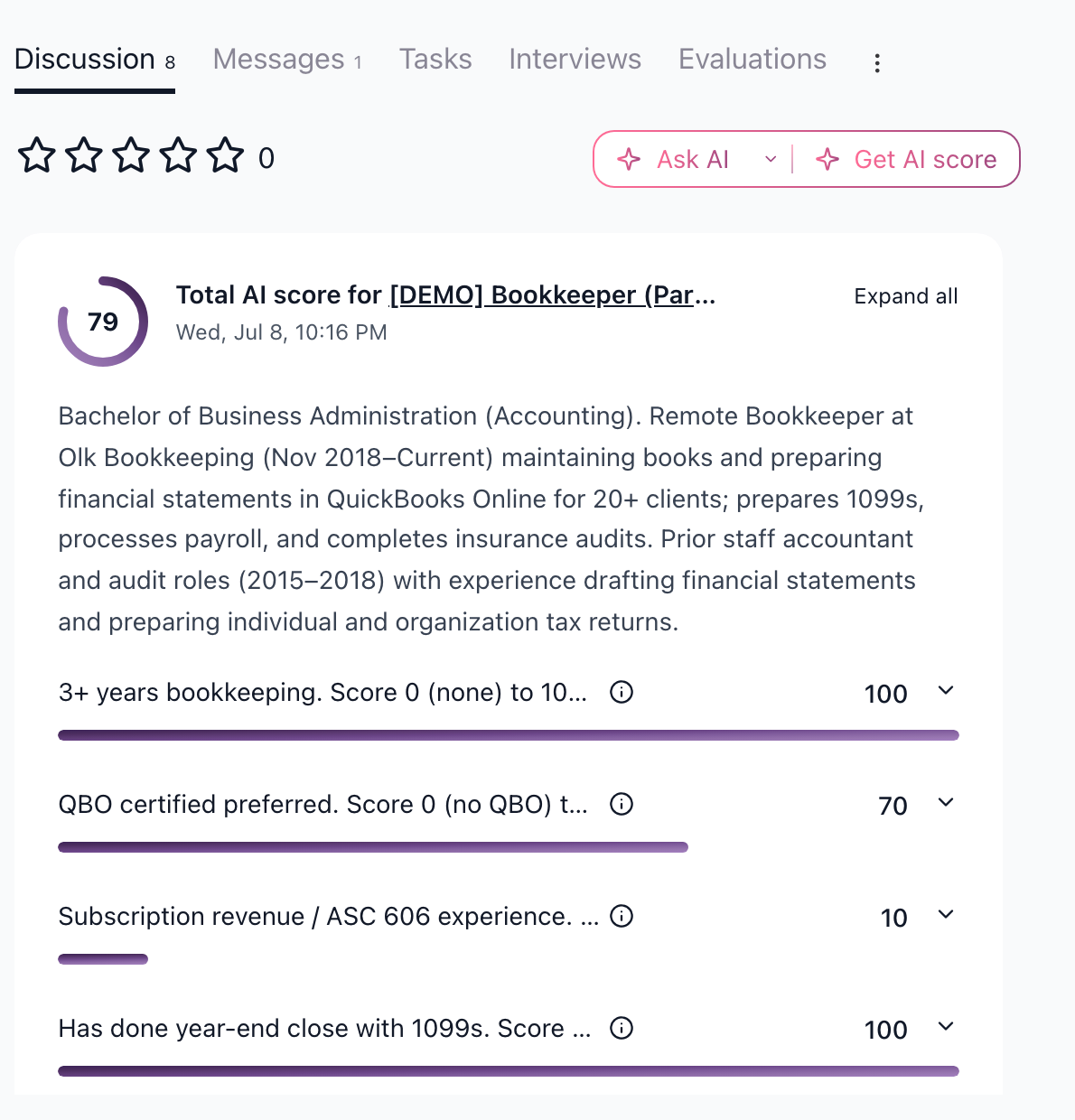
AI Scoring is strongest as a prioritization layer. Review the top candidates, the bottom candidates, and a few candidates near the cutoff before sending any rejection message. If the job has a legal, compliance, or license requirement, capture that requirement as a knockout question or structured profile field instead of relying only on resume wording.
Related articles
- AI Scoring setup and best practices
- Bulk actions: operate on many candidates at once
- How to disqualify candidates
Updated on: 24/07/2026
Thank you!