
Use AI Copilot to Write Job Descriptions from Scratch
Use AI Copilot to Write Job Descriptions from Scratch
Use this workflow when you need a first draft of a job description without starting from a blank page. In 100Hires, the job description editor includes a Rewrite with AI Copilot option near the rich text field. You provide role context, then edit the draft before publishing.
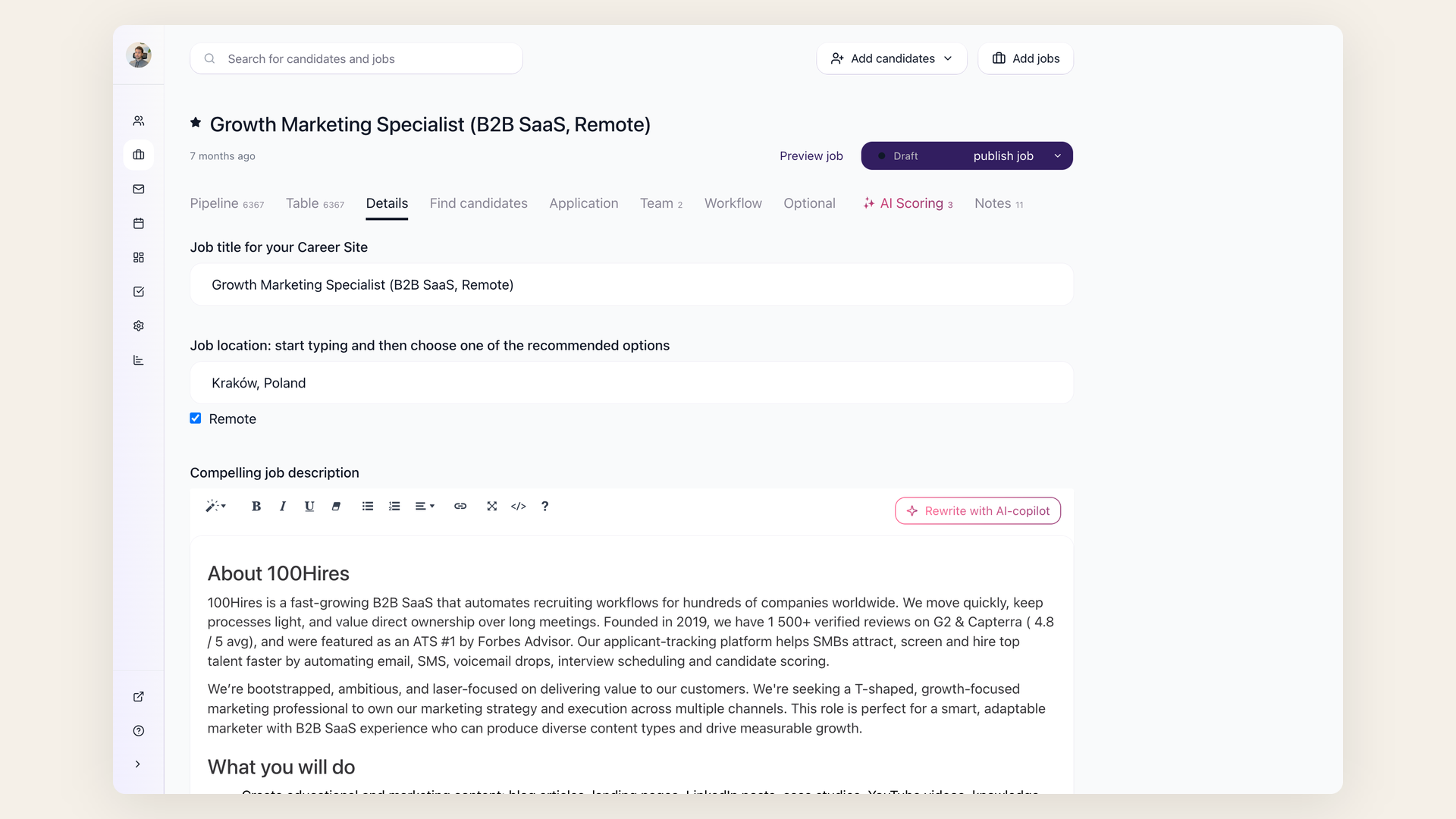
Workflow
- Open the job or create a new one.
- Add the title, location, employment type, and salary range if you already know them.
- In the job description area, use Rewrite with AI Copilot.
- Give the AI specific context: seniority, must-have skills, responsibilities, location rules, schedule, and any compliance language that must appear.
- Review the draft in the editor and remove anything that is not true for the role.
- Save the job, then publish it to your career site or selected job boards when ready.
Better prompts
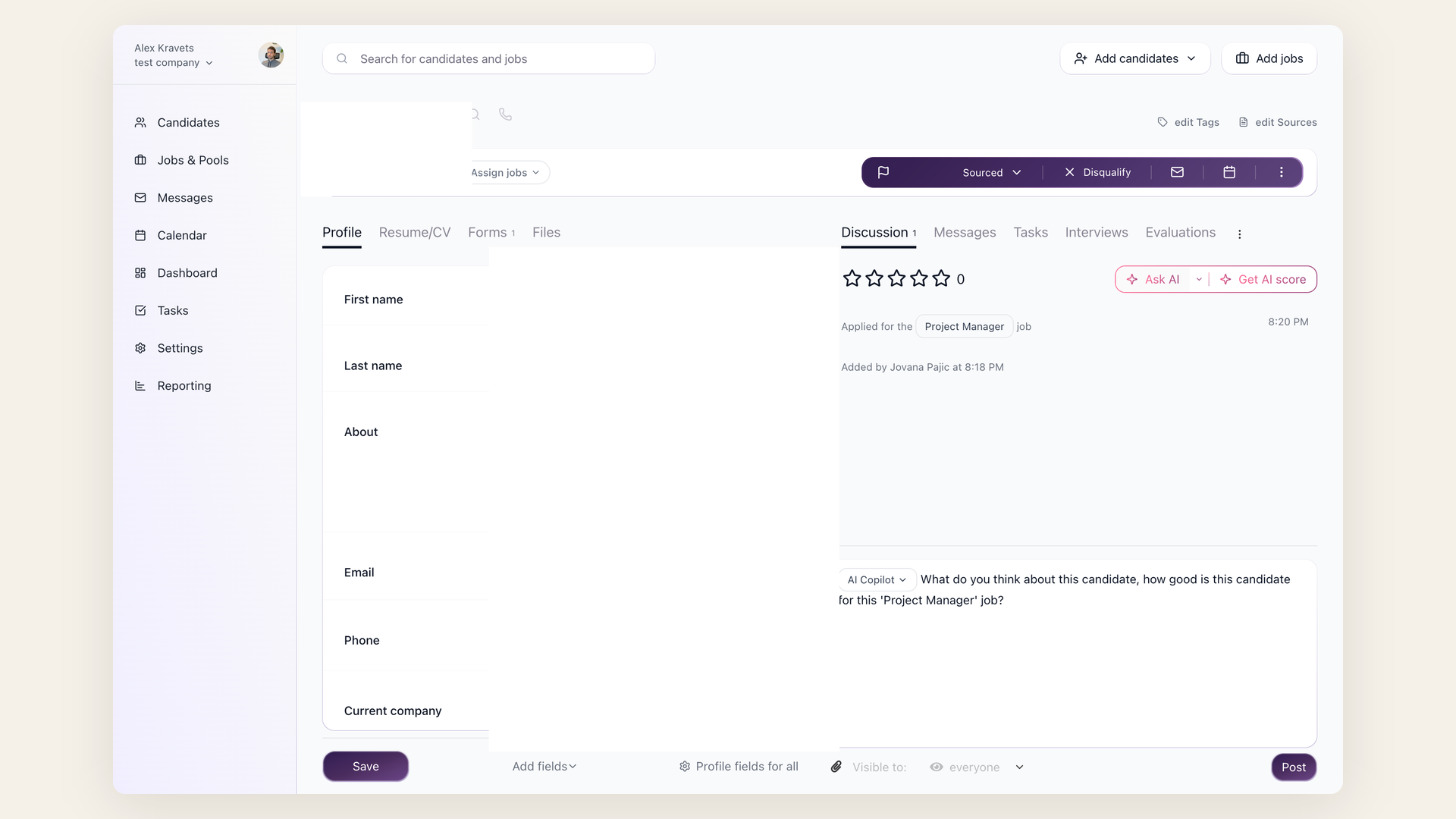
Strong prompts include details a recruiter would normally ask a hiring manager for: the business reason for the role, team context, must-have skills, nice-to-have skills, seniority level, location, compensation range, schedule, and interview process.
Keep private hiring criteria in Job Notes instead of the public job description. AI Copilot can read Job Notes, but candidates do not see them on the career site.
Guardrails
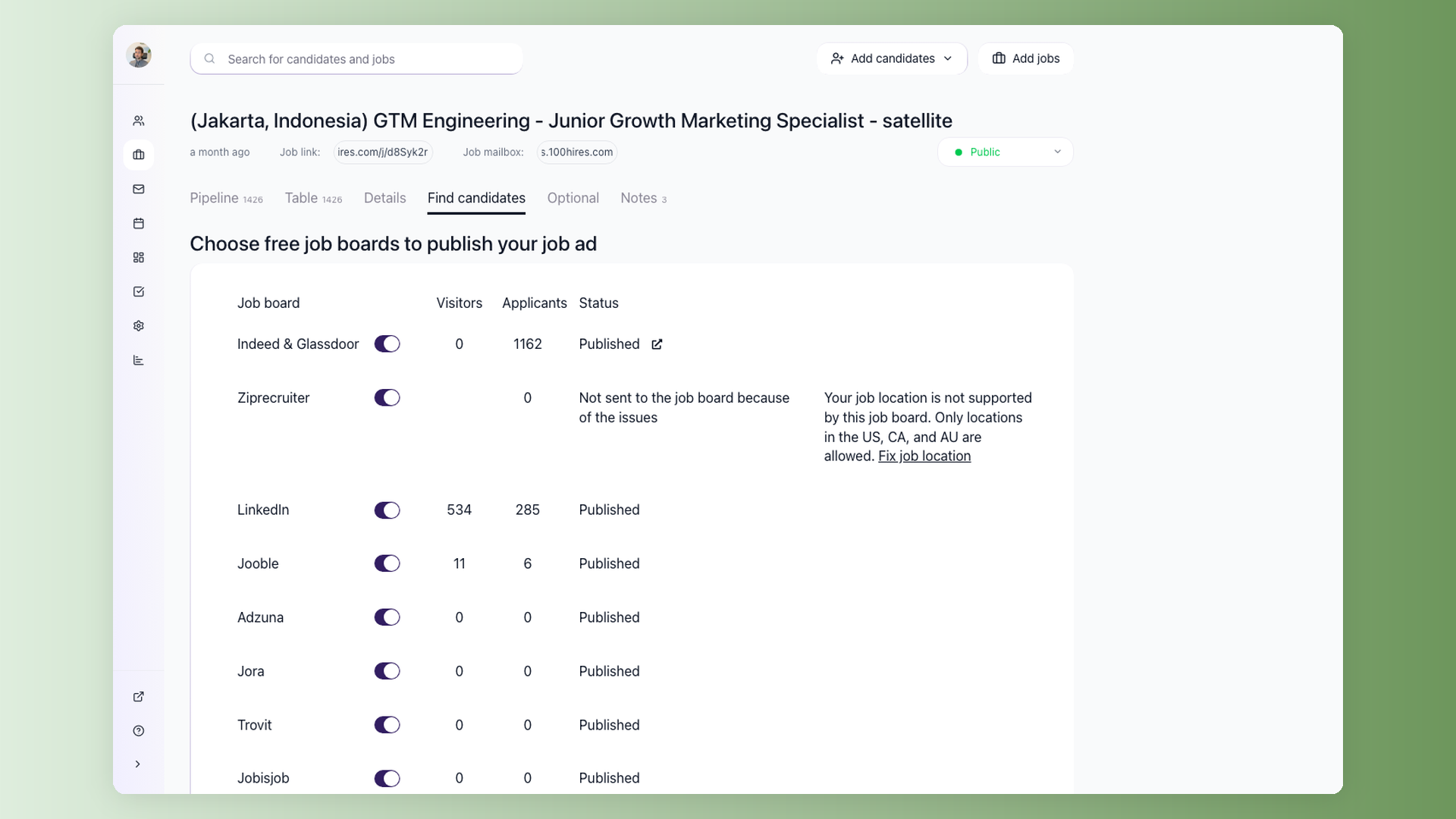
AI Copilot drafts quickly, but the recruiter still owns the final job post. Review for salary accuracy, equal-opportunity language, location requirements, and any regulated wording before publishing.
Updated on: 16/06/2026
Thank you!