
How Healthcare Clinic (multi-location) Teams Use 100Hires
How Healthcare Clinic (multi-location) Teams Use 100Hires
Who this is for
Healthcare clinics hiring clinical and front-desk staff across multiple locations.
What makes this hiring workflow different
- Location and license state are hard screening requirements
- Credential dates must be captured as structured data
- New clinics can create sudden location-specific volume
Note: 100Hires helps capture and route credential data. Your team is still responsible for verifying licenses and complying with local healthcare rules.
Recommended 100Hires setup
Satellite jobs by location
Create location-specific postings while routing applicants back to the canonical job when that keeps review centralized.

Profile Fields for credentials
Capture license number, license state, expiration dates, BLS/ACLS dates, and other role-specific fields.

Knockout questions
Use Disqualify If for explicit minimum requirements, such as license state or willingness to work at the clinic location.

Self-scheduling and calendar
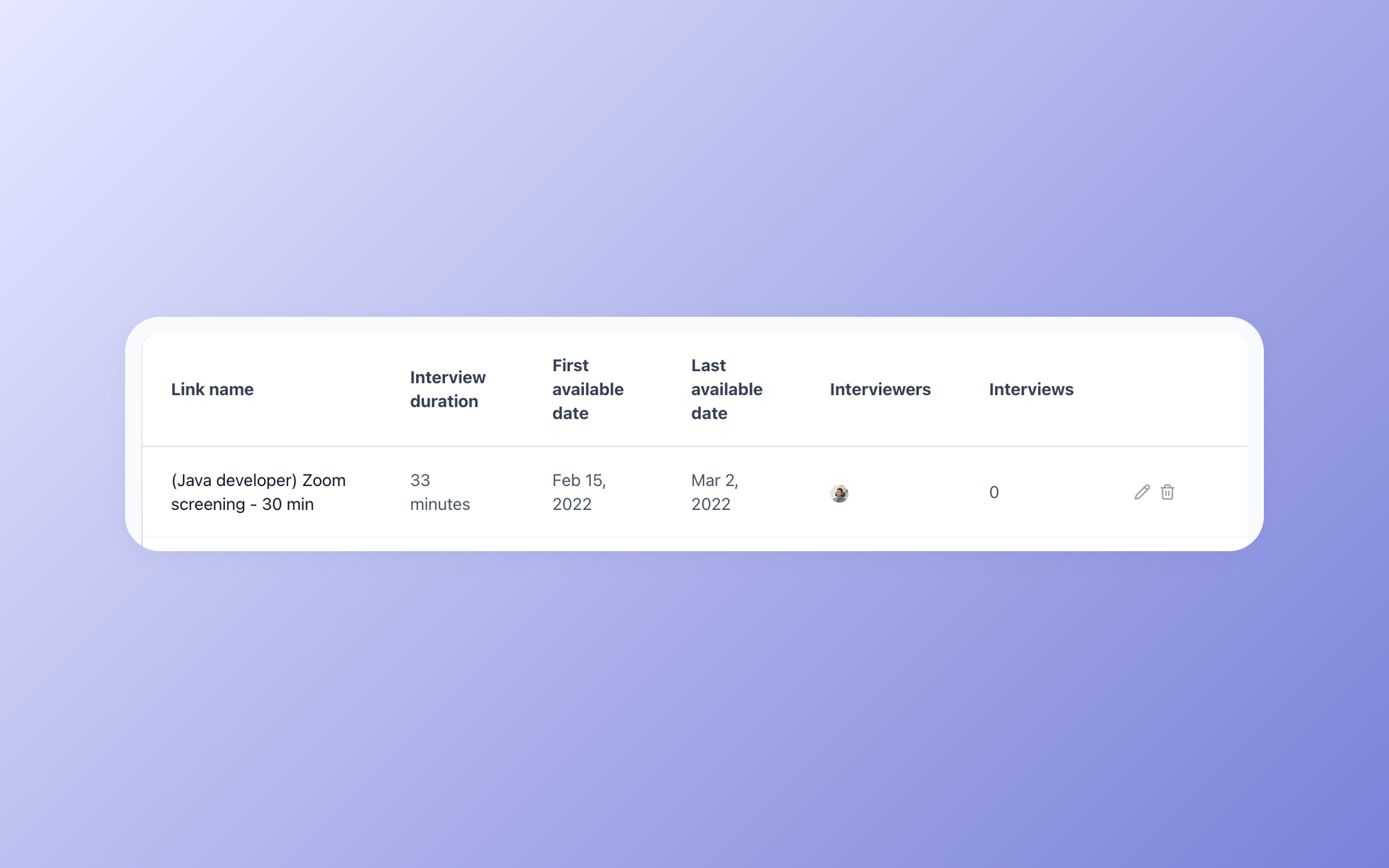
Let qualified candidates choose interview slots after your calendar integration is connected.
Suggested workflow
Applied -> License check -> Phone screen -> Hiring manager review -> Interview -> Credential verification -> Offer
Use this as a starting point. Adjust the stage names, automations, evaluation forms, and messages to match your actual process.
Operating tips
- Keep the first application form short, then move deeper screening into questionnaires or recruiter follow-up when the role requires it.
- Store repeatable requirements as Profile Fields, form answers, tags, or evaluation form answers instead of burying them in free-text notes.
- Test every automation on a sample candidate before relying on it for live applicants.
- Use bulk actions for clear administrative changes, but review edge cases before sending rejection emails.
- Review source performance periodically so the team spends time on channels that produce qualified candidates, not only high applicant volume.
- Put private hiring priorities in Job Notes when they should guide internal review but should not appear on the public job post.
Related articles
Updated on: 16/06/2026
Thank you!