
How to Use AI Copilot in Candidate Profiles
How to Use AI Copilot in Candidate Profiles
AI Copilot answers free-form questions about one candidate using the information already stored in 100Hires. Use it for summaries, evidence checks, interview preparation, and follow-up questions.
Where to find AI Copilot
- Open a candidate profile.
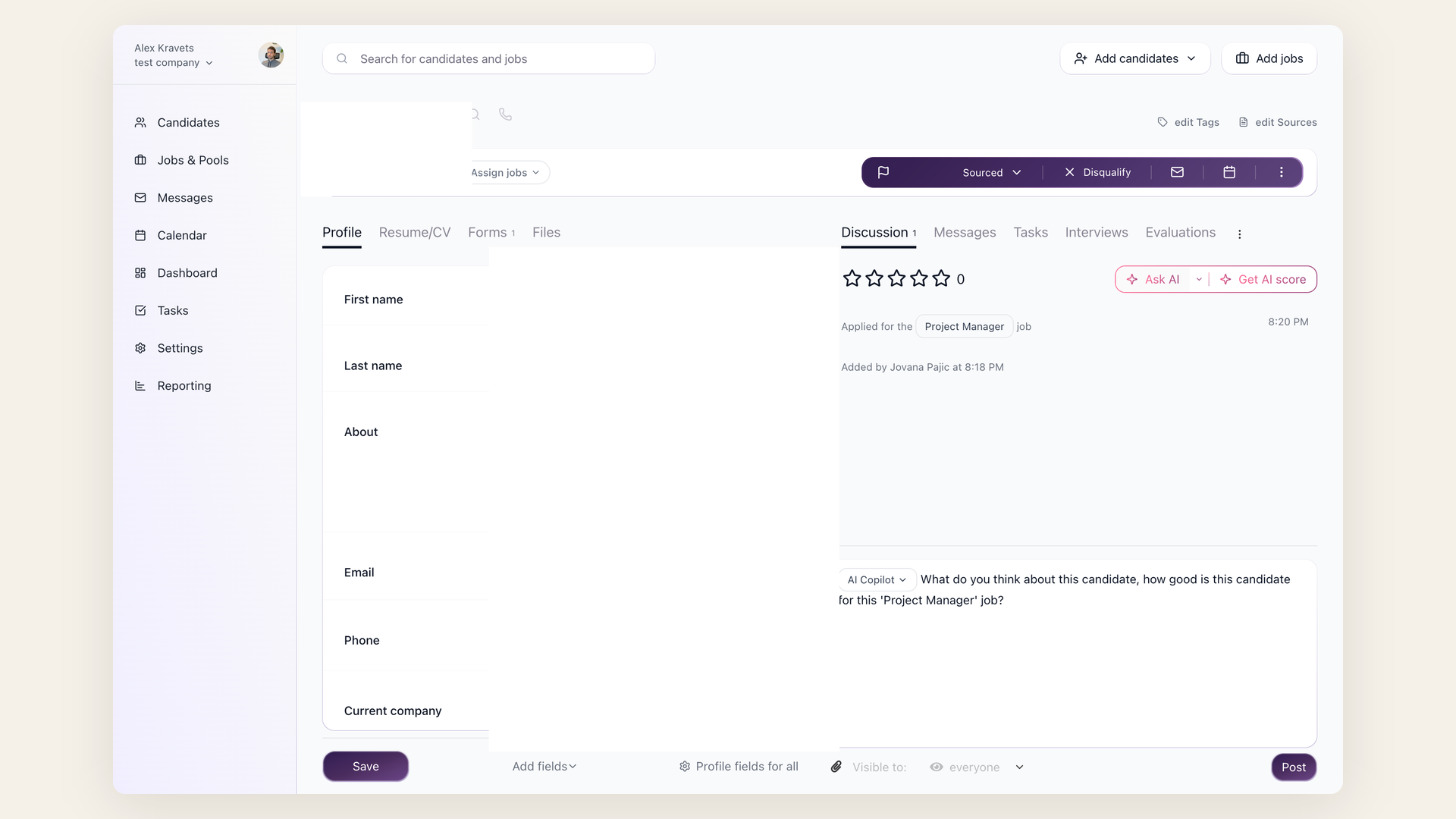
- Go to the Discussion tab.
- Launch AI Copilot by typing
@in the comment field and selecting AI Copilot, or by clicking Ask AI.
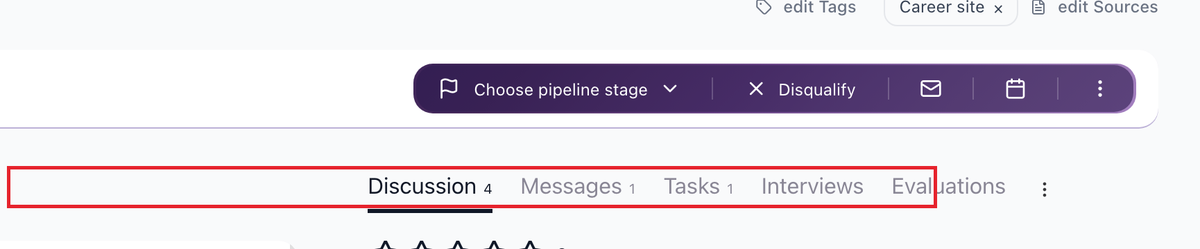

The dropdown shows saved prompts, recent prompts, and an option to create a custom prompt.
What AI Copilot reads
AI Copilot uses available candidate and job context, including resume transcript, profile fields, application answers, emails, discussion notes, evaluation form answers, job description, job title, and Job Notes. If something is not documented in 100Hires, AI Copilot cannot reliably use it.
Useful prompts
Good prompts ask for evidence, not a final hiring decision:
- "Summarize this candidate's strongest evidence for the role."
- "List concerns we should clarify in the phone screen."
- "Compare this candidate against the job requirements and cite the resume or notes used."
- "Write 5 interview questions based on gaps in the profile."
- "Summarize the evaluation form feedback for the hiring manager."
AI Copilot vs AI Scoring
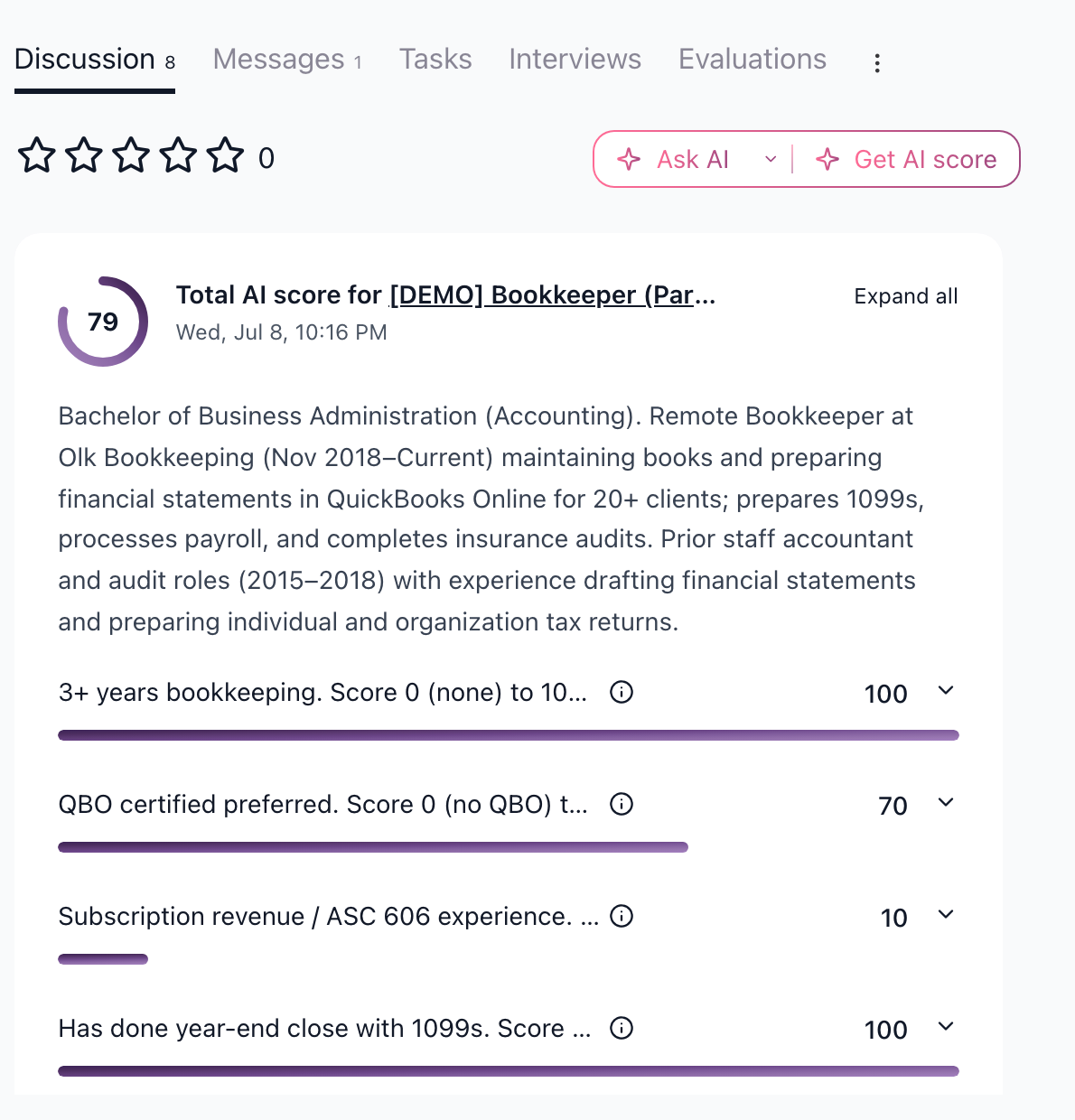
AI Copilot gives a written answer to a question you ask. AI Scoring is the numeric 0-100 scoring system configured on a job's AI Scoring tab. Use AI Scoring when you need ranking or threshold automation; use AI Copilot when you need an explanation or summary.
Best practices
- Ask one question at a time.
- Ask Copilot to cite evidence from the resume, notes, answers, or evaluations.
- Add private criteria to Job Notes when they should inform internal analysis.
- Review the response before sharing it with a hiring manager.
- Use Evaluation Forms for structured interview scoring; use Copilot to summarize or explain the evidence.
Updated on: 07/08/2026
Thank you!