
How Mid-Market 150-Employee Teams Use 100Hires
How Mid-Market 150-Employee Teams Use 100Hires
At around 150 employees, hiring usually spans several departments, hiring managers, and interview loops. 100Hires works best when you standardize the process without hiding department-specific requirements.
1. Set team access deliberately
Invite teammates with the right role, then add recruiters and interviewers to the hiring team on the jobs where they should work. Users with limited roles may not see a job until they are added to that job's hiring team.


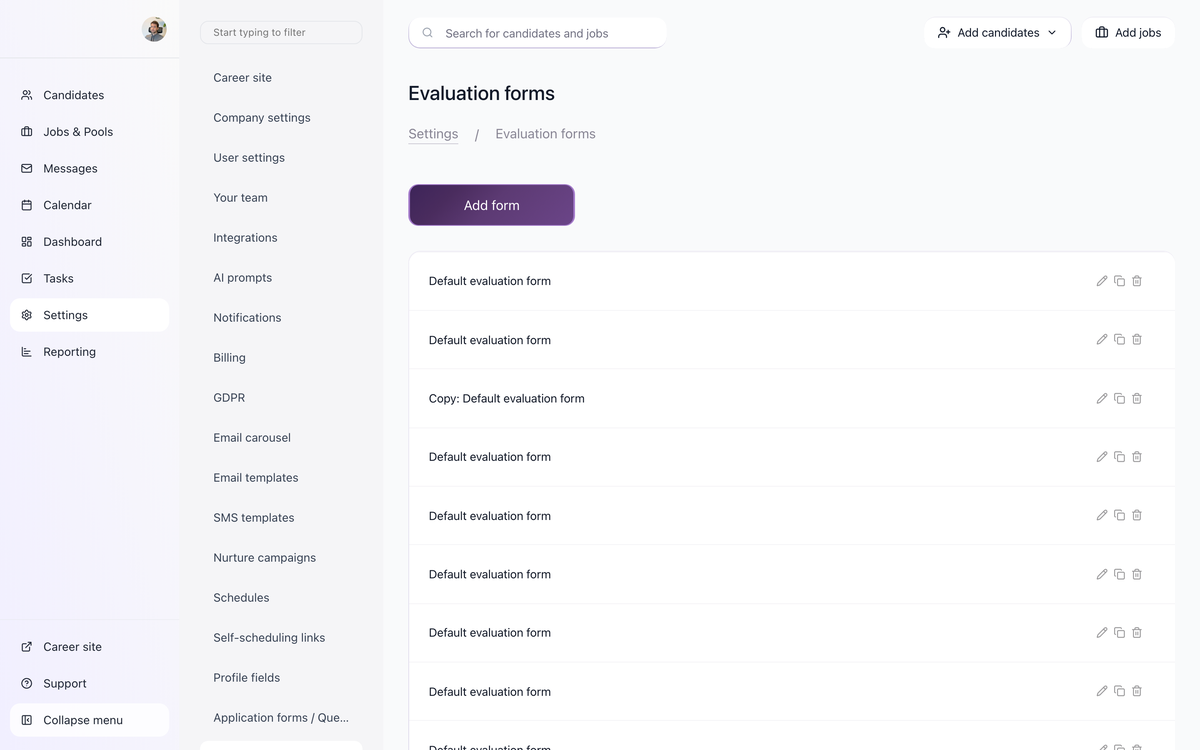
2. Standardize feedback with Evaluation Forms
Use Evaluation Forms for structured interview feedback. Create forms for common interview types, then attach them to the relevant stages. This keeps feedback comparable across interviewers and reduces vague comments like "good culture fit."

3. Use AI Scoring for high-volume applicant review
Configure job-specific AI Scoring criteria for each role. AI Scoring gives a 0-100 result per criterion and an overall score, while AI Copilot is for free-form questions about a single candidate. Use scoring to prioritize review, not to replace hiring-manager judgment.
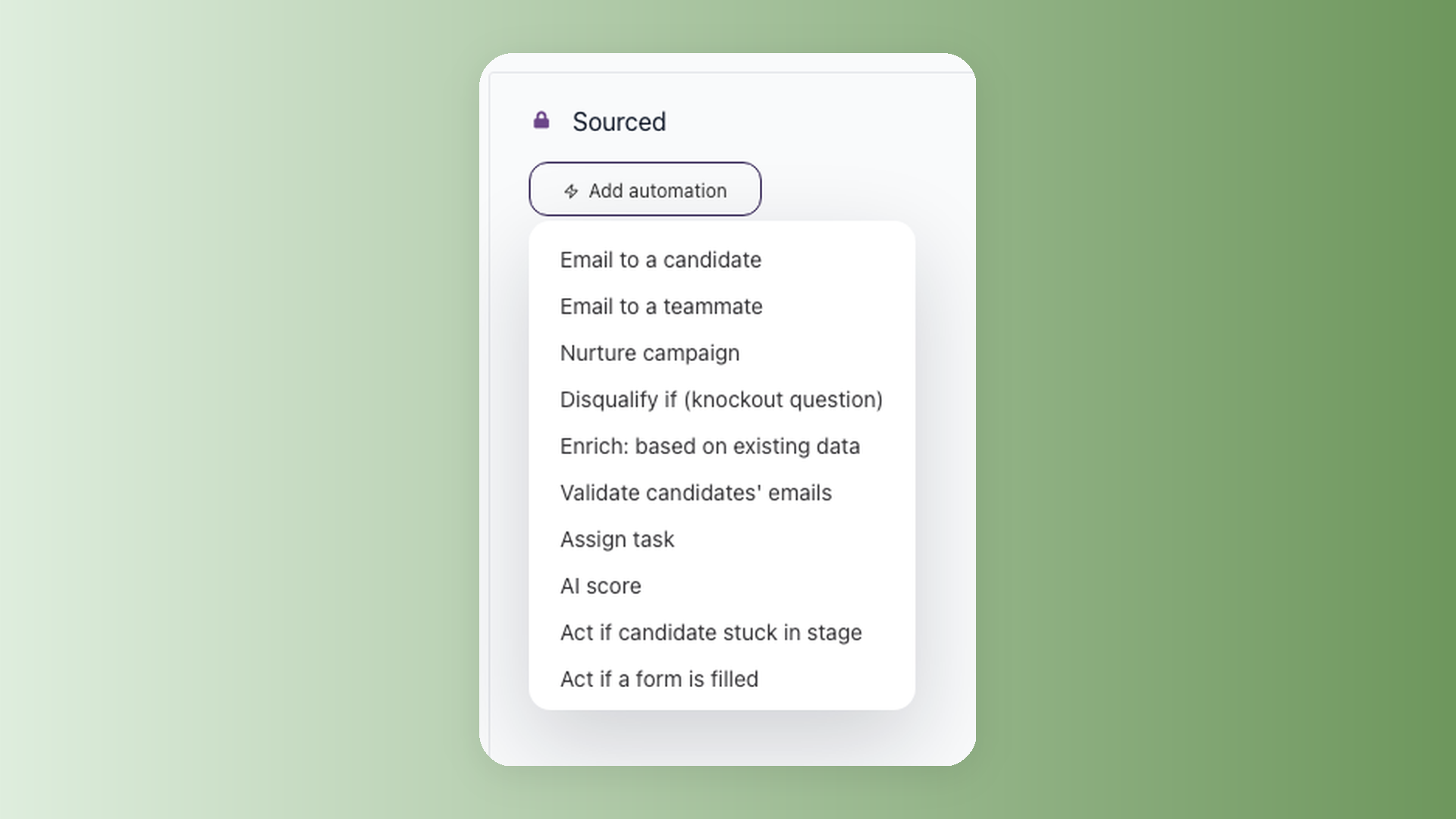
4. Automate repeatable stage work
Stage automations can trigger actions such as tasks, emails, AI Scoring, stage moves, or disqualification rules. Keep automations simple and auditable: one stage, one reason, one expected result.
5. Keep stakeholders informed
Use notifications, @mentions, and Slack/Zapier integrations for handoffs. This is especially useful when hiring managers only need to react to shortlist, interview, or offer-stage updates.

Related setup articles
- AI Scoring setup and best practices
- How to set up Evaluation Forms for structured interviews
- Understanding workflows, pipelines, and stages
- How to invite team members and understand user roles
Updated on: 24/07/2026
Thank you!