
Set Up Knockout Questions with AI Explanation
Set Up Knockout Questions with AI Explanation
Knockout questions in 100Hires are rule-based. They can automatically disqualify candidates based on yes/no profile fields or application answers. AI can help you write clearer explanation emails afterward, but the knockout itself should be configured from explicit rules.

Setup
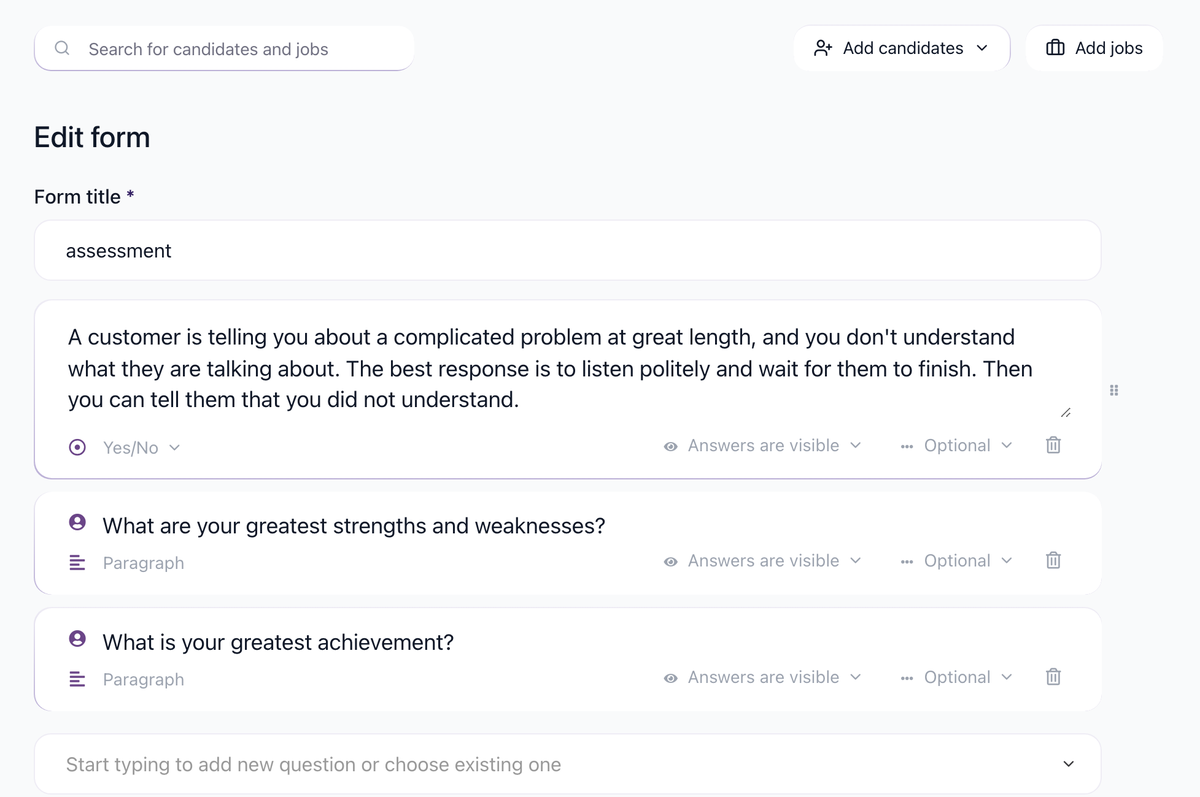
- Create the required question in Settings > Forms or as a profile field.
- Add the question to the job application form or questionnaire.
- Open the job Workflow tab.
- Add a Disqualify If automation on the relevant stage.
- Select the yes/no field and the answer that should disqualify the candidate.
- Test with a sample candidate before relying on it in a live job.

Where AI fits
Use AI Email Composer to draft a polite rejection message that explains the minimum requirement in plain language. For nuanced screening across several answers, use AI Scoring with weighted criteria and a threshold instead of one hard knockout.
Examples
Use hard knockout rules for requirements that are truly binary, such as "Are you legally authorized to work in this location?" or "Do you hold the required license?" Use AI Scoring when several answers should be balanced together, such as experience level, location, availability, and compensation range.
Always test the automation with a sample candidate before opening the job to applicants.
Related articles
Updated on: 07/08/2026
Thank you!